Windows XP Windows 7 Windows 2003 Windows Vista Windows 綜合教學 Linux 系統教學
Windows 10 Windows 8 Windows 2008 Windows NT Windows Server 電腦軟體教學
您现在的位置: Windows教程網 >> Windows教程 >  >> 電腦軟體教學 >> 電腦軟體介紹

PP 租車租客租車全流程:實名認證 → 選車 → 提交訂單 → 支付雙重押金 → 取車驗車 → 自駕 → 還車/延期

編輯:電腦軟體介紹

PP 租車平台租客完整租車指南,七步走無遺漏:

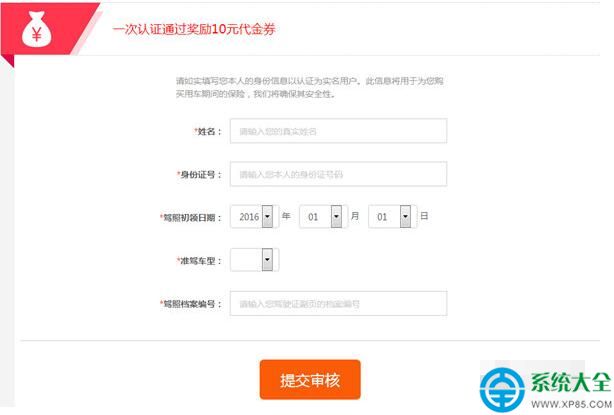
  1. 會員認證: 提交身份證、駕駛證完成實名認證。
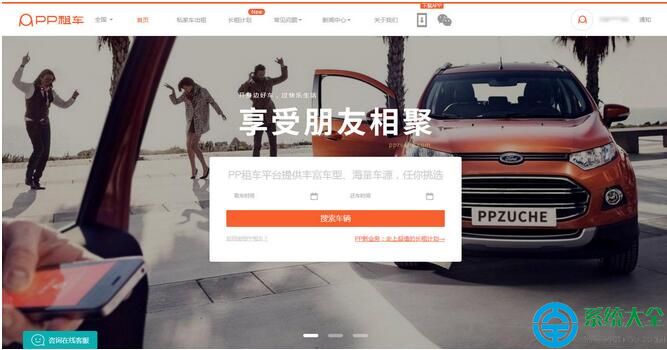
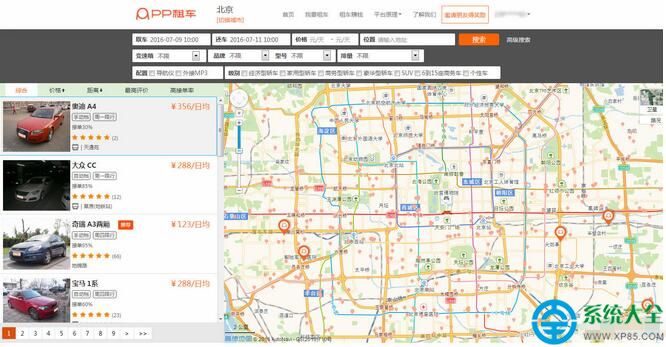
  2. 選擇車輛: App/官網通過專區、篩選、收藏尋找心儀車型。
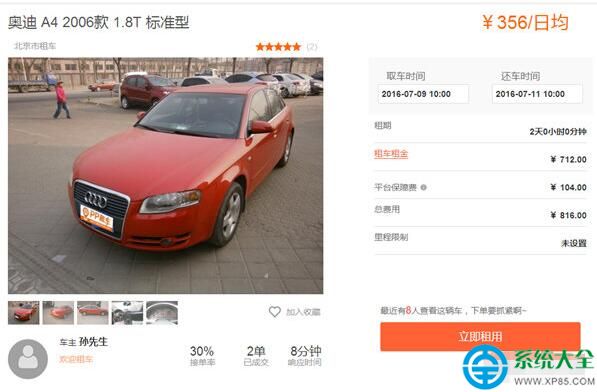
  3. 提交訂單: 無需費用下單,車主 15 分鐘內應答,期間可聯繫車主或看其他車。
  4. 支付押金: 租車押金(下單即付)+ 違章押金(行程前 72h 內付),支持信用卡預授權/儲蓄卡/微信/支付寶,部分車型僅限信用卡。訂單取消押金 4h 內退還。
  5. 取車驗車: 提前聯繫車主約定時間地點,按驗車單檢查車況、油表、拍照存證。
  6. 愉快自駕: 24h 客服、百萬保險護航。
  7. 順利還車: 捨不得可 App 內協商修改還車時間。

全流程線上化、透明化,租車零套路。

Copyright © Windows教程網 All Rights Reserved