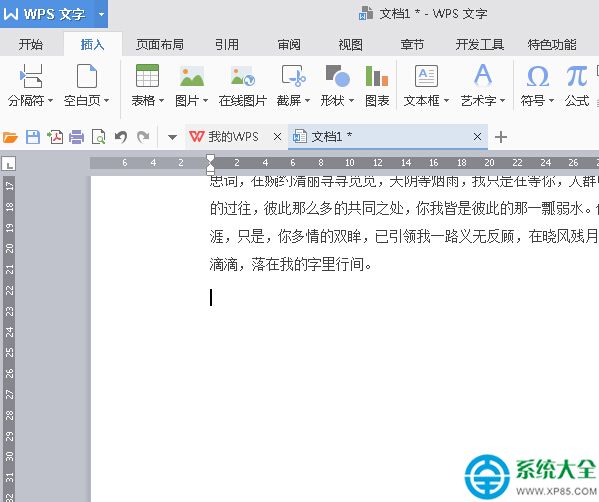
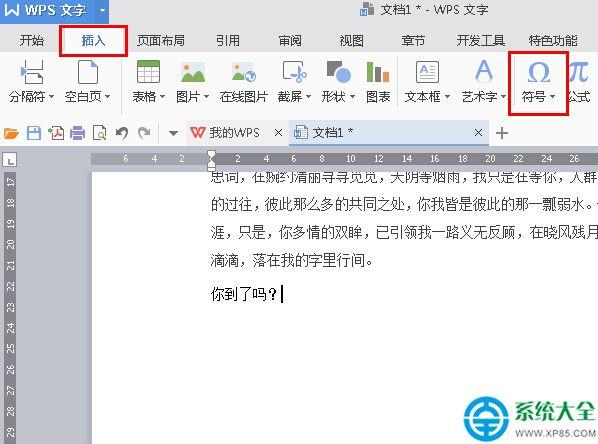
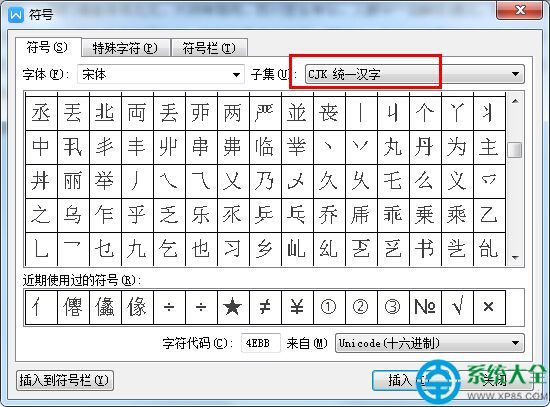
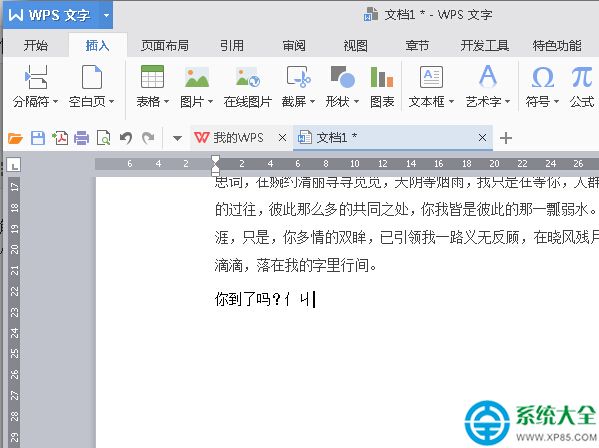
WPS 2016 內建符號表支援偏旁部首輸入:
無需外掛輸入法,稀有字元輕鬆錄入。
提升 WinRAR 壓縮速度三步驟:標準壓縮模式、擴大字典、保存為預設配置
電腦數據恢復軟體大比拼:萬能數據恢復寶盒 vs Pandora vs Puran vs TestDisk
BIOS 設定選項中英對照表,快速看懂英文介面
網卡常見故障分析與解決:接觸不良、驅動問題、IRQ 衝突排查指南
Android 手機刷機失敗變磚救援教學:Android SDK + Fastboot 重刷 Recovery
迅雷下載速度慢怎麼辦?六大提速實操法則:帶寬、任務數、資源質、內存、上傳限制、會員加速
《LOL》「戰鬥之夜」召集好友領皮膚:9.9-9.11邀請好友9.12登錄,抽永久/限時皮膚
QQ 聊天記錄、接收檔案隨身帶:雲端硬碟自動同步 或 隨身碟攜帶,非會員也能跨裝置同步