Windows XP Windows 7 Windows 2003 Windows Vista Windows 綜合教學 Linux 系統教學
Windows 10 Windows 8 Windows 2008 Windows NT Windows Server 電腦軟體教學
您现在的位置: Windows教程網 >> Windows教程 >  >> 電腦軟體教學 >> 伺服器技術 >> 伺服器綜合

Windows Server 2003 伺服器架設圖解實作說明

編輯:伺服器綜合

本文記錄透過 VMware 安裝 Windows Server 2003 並完成網域、FTP、IIS、DHCP 等核心服務架設的完整實作步驟與驗證需求。

1. 基礎環境建置

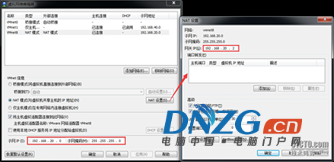
  • 安裝 Windows Server 2003,配置 IP:192.168.0.10/24、閘道:192.168.0.1、DNS:127.0.0.1

2. 網域與用戶管理

  • 建立網域 W2KSX.COM
  • 建立三個用戶 mother、father、mine,主資料夾設於 c:\home,權限限定僅本人與管理員可透過網路存取
  • 新增主機記錄:my → 192.168.0.10
  • 驗證:可透過 ftp://my.w2ksx.com 存取三用戶資料夾
  • 建立 c:\home\public 並允許匿名存取

3. IIS Web 站台部署

  • 建立站台實體路徑 C:\mysite,指派獨立 IP
  • 建立測試網頁,標題:「網路應用技術課實踐考試」
  • 內容包含:一級標題(預設字體)、內容「Hello ! Welcome to xxx site」
  • 同樣驗證 FTP 存取與 public 匿名資料夾

4. 第二 FTP 站台配置

  • 將 c:\home\mine 設為第二 FTP 站台,指派 IP:192.168.0.20/24

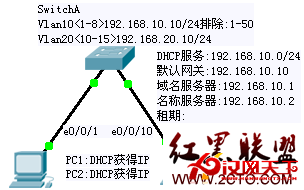
5. DHCP 伺服器部署

  • 建立第二作用域:IP 範圍 10.10.10.10/24 ~ 10.10.10.60/24
  • 排除範圍:10.10.10.11/24 ~ 10.10.10.25/24
  • 閘道:10.10.10.1、DNS:202.96.64.68

此實作涵蓋 Windows Server 2003 核心網路服務的完整部署與驗證流程,適合教學實驗與基礎架構練習參考。

Copyright © Windows教程網 All Rights Reserved