Ubuntu 下使用 yo express 觸發 bower 報錯 EACCES: permission denied,主因 npm 全域套件目錄 (/usr/local/lib/node_modules 或 ~/.npm) 擁有者為 root,普通用戶無寫入權限。
# 方案一:將 npm 全域目錄擁有者改為當前用戶
sudo chown -R $(whoami) $(npm config get prefix)/{lib/node_modules,bin,share}

# 方案二:建立用戶專屬全域目錄 (更乾淨)
mkdir -p ~/.npm-global
npm config set prefix '~/.npm-global'
echo 'export PATH=~/.npm-global/bin:$PATH' >> ~/.profile
source ~/.profile
重新執行 yo express 或 bower install,不再出現 EACCES 錯誤。
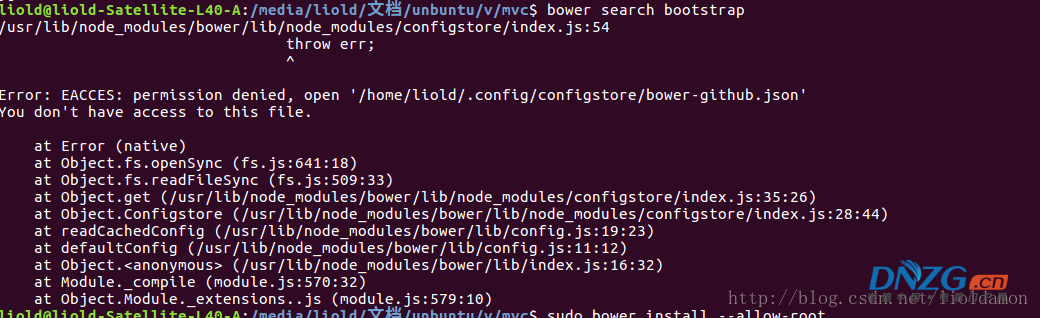
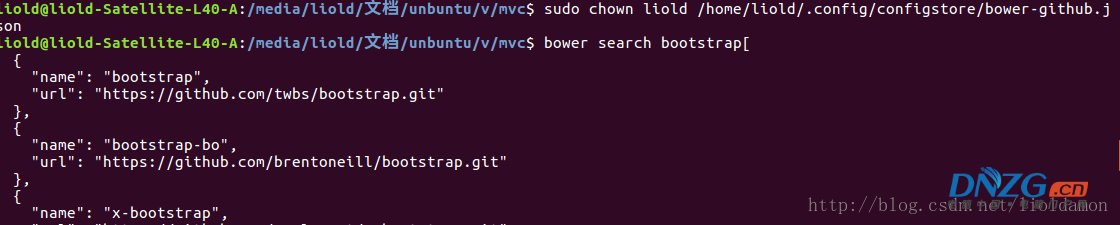
切勿使用 sudo npm install -g,會導致 root 擁有權污染,後續非 root 操作均會報權限錯誤。採用方案二隔離用戶空間最佳。