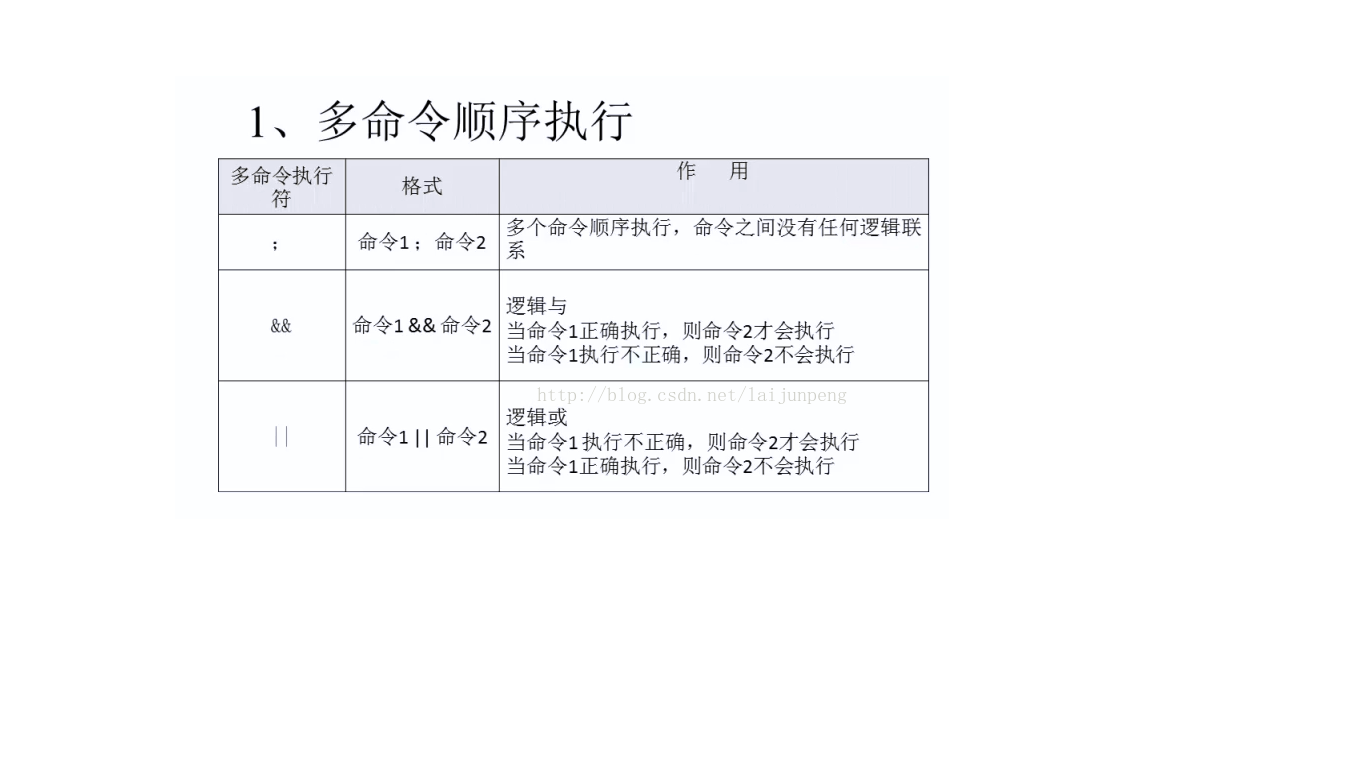
在開發、測試或集群管理場景中,常需同時啟動多個終端並自動執行指定命令。本文介紹如何利用 gnome-terminal 結合 Shell 腳本或 C 語言實現批量啟動,以 Erlang 節點啟動為例。
gnome-terminal -x bash -c "command" 可在新終端中啟動子 Shell 執行命令串。為防止終端執行完畢即退出,需在命令末尾加上持續運行的進程(如 erl 直接進入 Erlang Shell)或追加 bash 保持互動。
#!/bin/bash
for ((i=0; i<$1; i++)); do
    ((port=2+i))
    gnome-terminal -x bash -c "cd /home; ulimit -n 1000000; erl +K true -run io format $port" &
done
& 讓每次迭代在後台運行,避免阻塞主進程,實現併發啟動。Shell 本質也是多進程模型,這點與單線程的 JS 腳本形成對比。
#include <unistd.h>
#include <sys/types.h>
#include <stdio.h>
#include <stdlib.h>

int main(int argc, char *argv[]) {
    int count = atoi(argv[1]), i;
    for (i = 0; i < count; i++) {
        pid_t pid = fork();
        if (pid == 0) {
            // 子進程執行啟動命令
            system("gnome-terminal -x bash -c 'ulimit -n 1000000; cd /home; erl'");
            exit(0); // 子進程退出,避免繼續循環
        }
    }
    return 0;
}編譯執行:gcc -o launcher launcher.c && ./launcher 3 即啟動 3 個終端。
argv[1] 接收參數,argv[0] 為程式名。fork() 返回值:子進程為 0,父進程為子進程 PID。exit(0),否則會繼續執行父進程的循環導致指數級爆炸。atoi() 將字串轉整數。同理可用於啟動多個微服務、資料庫實例、壓測客戶端等。若需跨終端同步,可結合 tmux 或 screen 會話管理;生產環境建議改用 systemd、Supervisor 或容器編排工具。