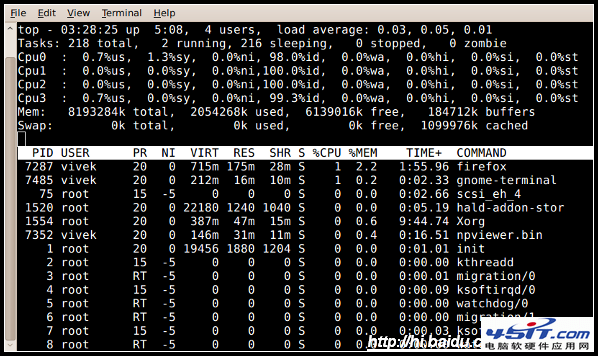
現象:top 顯示 4GB 物理內存已用 3.2GB(80%+),似乎內存不足。但實際運行負載很低,真相在 free -m 輸出中:
             total   used   free  shared buffers cached
Mem:          3798   3264    534      0     279   1518
-/+ buffers/cache:  1466   2332
Swap:         5983      0   5983
used - (buffers + cached) = 3264 - (279+1518) = 1467 MB(對應第二行 -/+ buffers/cache 下的 used 1466)。free + buffers + cached = 534 + 279 + 1518 = 2331 MB(對應第二行 free 2332)。buffers(塊設備緩存)和 cached(文件頁面緩存),提升 I/O 性能。當進程需要內存時,內核會自動回收緩存。Swap 使用量。若 Swap 長期佔用較大(如 >10%),才需考慮加內存;若 Swap 基本為 0,說明物理內存充足。read/write/getdents 等系統調用。二者均可快速釋放給進程使用,無需擔心。