Windows XP Windows 7 Windows 2003 Windows Vista Windows 綜合教學 Linux 系統教學
Windows 10 Windows 8 Windows 2008 Windows NT Windows Server 電腦軟體教學
您现在的位置: Windows教程網 >> Windows教程 >  >> Linux 系統教學 >> 關於 Linux

Linux cp 複製目錄出現 omitting directory 錯誤?加上 -r 遞迴參數即可解決

編輯:關於 Linux

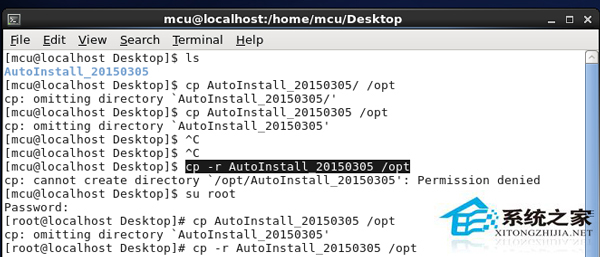
使用 cp 複製目錄時若出現 cp: omitting directory 'xxx',代表來源包含子目錄,預設 cp 僅複製檔案,需加入 -r (recursive) 遞迴複製整個目錄樹。
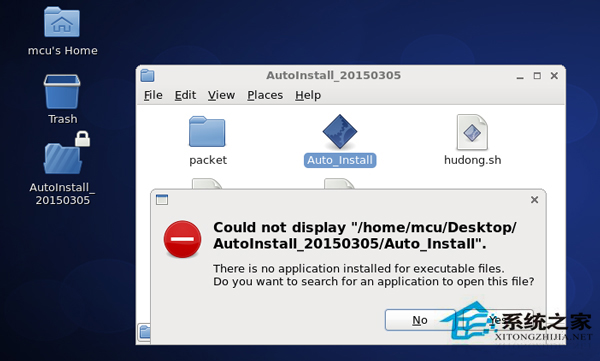
錯誤情境

cp AutoInstall_20150305 /opt
# cp: omitting directory 'AutoInstall_20150305'

解決方法

cp -r AutoInstall_20150305 /opt  # 遞迴複製目錄及所有子目錄/檔案
舉一反三

  • 刪除目錄:rm -r 目錄 遞迴刪除
  • 權限遞迴:chmod -R 755 目錄(注意大寫 -R)

遇到 omitting directory 只需記住 加 -r 遞迴 即可解決。

Copyright © Windows教程網 All Rights Reserved