Windows XP Windows 7 Windows 2003 Windows Vista Windows 綜合教學 Linux 系統教學
Windows 10 Windows 8 Windows 2008 Windows NT Windows Server 電腦軟體教學
您现在的位置: Windows教程網 >> Windows教程 >  >> Linux 系統教學 >> 關於 Linux

Ubuntu sudo 執行緩慢?將主機名加入 /etc/hosts 即時解決

編輯:關於 Linux

現象

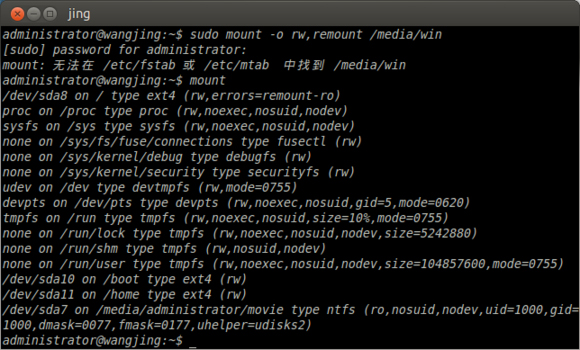
執行 sudo 等待數秒才提示輸入密碼。
排查步驟

  1. 確認 /etc/sudoers 包含目前使用者。
  2. 查看主機名:hostname(假設輸出 centos.6.7)。
  3. 編輯 /etc/hosts,在 127.0.0.1 與 ::1 兩行末尾加入主機名:
    127.0.0.1 centos.6.7 localhost localhost.localdomain ...
    ::1 centos.6.7 localhost localhost.localdomain ...

原理

sudo 解析主機名時若 DNS 失敗會等待逾時,寫入 /etc/hosts 即可本地秒解析。

結語

一行設定、即時生效,解決 sudo 慢如蝸牛的困擾。

Copyright © Windows教程網 All Rights Reserved