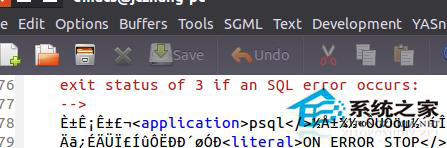
Emacs 開啟 GB2312/GBK 編碼檔案時顯示亂碼,因預設以 UTF-8 或 Latin-1 解讀。
M-x revert-buffer-with-coding-system)gb18030-unix、gb2312),按 Tab 可自動補全。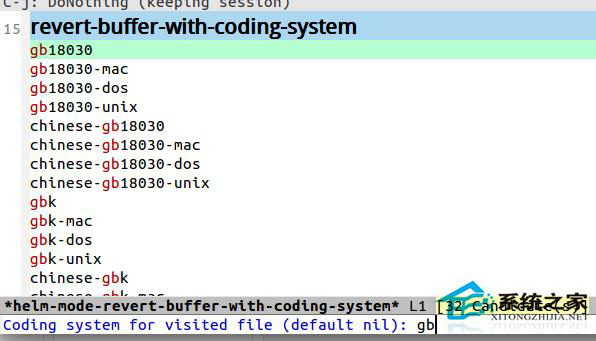
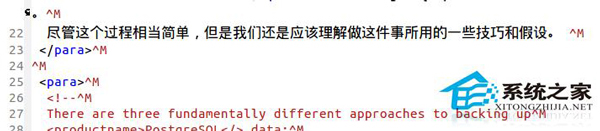
unicad.el 放入 ~/.emacs.d/my-elisp/(或任意 load-path 目錄)。~/.emacs 加入:(require 'unicad)臨時用手動重讀,長期建議裝 unicad 讓 Emacs 智慧判斷編碼,徹底告別亂碼。
Ubuntu 從原始碼編譯安裝 Node.js 並配置 Python 依賴開發環境
Linux VirtualBox 安裝 Windows 8.1 報錯 0x000000C4 解決:啟用 CMPXCHG16B CPU 指令支援
Linux 檔案系統權限與安全設定完整指南:chattr 不可變屬性、ACL、臨時目錄加固
Ubuntu Chromium 安裝 Flash Player (PepperFlash) 完整圖文教學
Linux 以其他使用者身分執行程式:runuser、su、sudo、systemd-run 四大工具對比與最佳實務
Linux cal/ncal 指令實戰範例:顯示月曆、Julian 日期、復活節與多月檢視