INF 是微軟為驅動開發商定義的安裝資訊檔,善用它能辦大事:
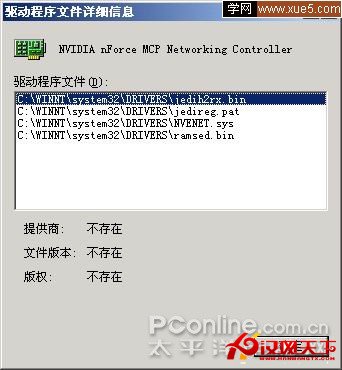
[Version] 區段 Class 指出裝置類別:Media=多媒體/音效卡、Display=顯卡、Net=網卡、Modem=數據機、Printer=印表機、Image=攝影機Manufacturer 顯示廠商(如 C-Media)cdrom.inf、硬碟 disk.inf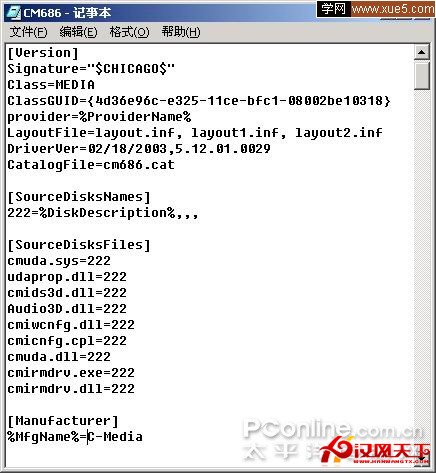
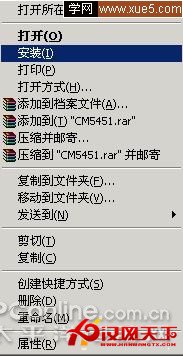
右鍵 INF 檔 →「安裝」即可完成驅動安裝,免執行 Setup.exe。
建立 INF 檔內容:
[Version]
Signature="$windows NT$"
[DefaultInstall]
Addreg=Myaddreg
[Myaddreg]
HKLM,Software\Microsoft\Windows NT\CurrentVersion\Winlogon,Defaultusername,abc
HKLM,Software\Microsoft\Windows NT\CurrentVersion\Winlogon,Defaultuserpassword,123
儲存為 .inf → 右鍵「安裝」即可(用戶名 abc、密碼 123 為例)。前提:硬體不大幅變動。
INF 應用遠不止於此,深入研究更多實用技巧待發掘。