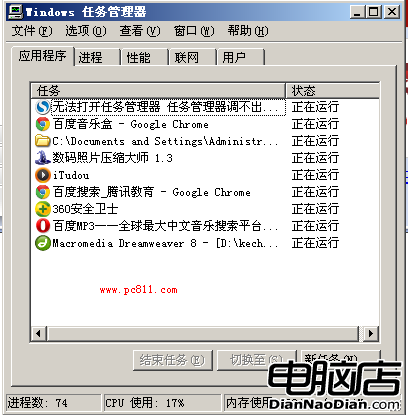
XP 虛擬記憶體不足常見三因應對:
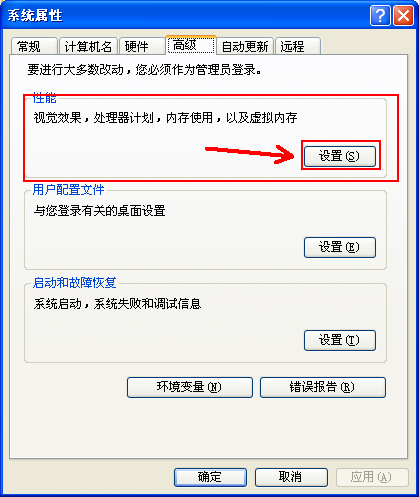
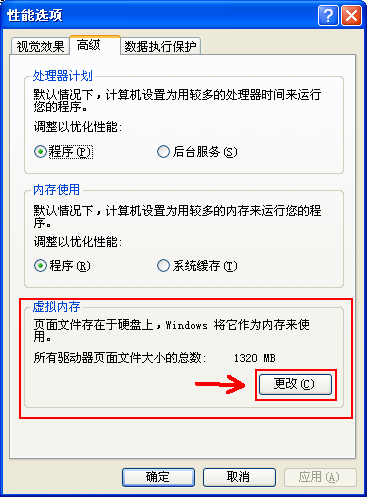
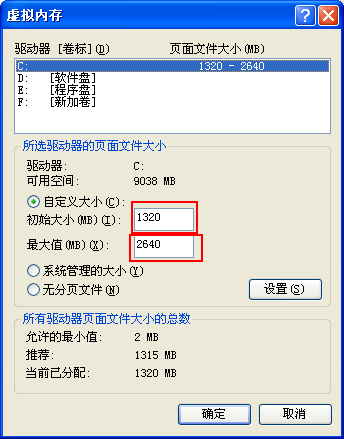
附虛擬記憶體調整三步驟截圖。
64 位元 Windows XP 七大疑問實測:32 位 CPU 拒絕安裝、SATA 驅動需 64 位版、可與 32 位 XP 共存、硬體相容看廠商支援
調整 Windows XP 桌面圖示間距兩大法:顯示屬性圖形介面與註冊表精確控制
輕鬆學會安裝 Windows XP:模擬器練習零風險、節省時間
六招教你快速關閉電腦:Windows XP 待機/休眠/STR 完整設定指南
C 槽常見資料夾功能詳解:Documents and Settings、Program Files、Temp、Application Data 能不能刪?
虛擬機安裝 XP 需要啟用嗎?直接用 GHOST 版或找序號