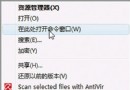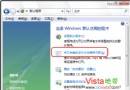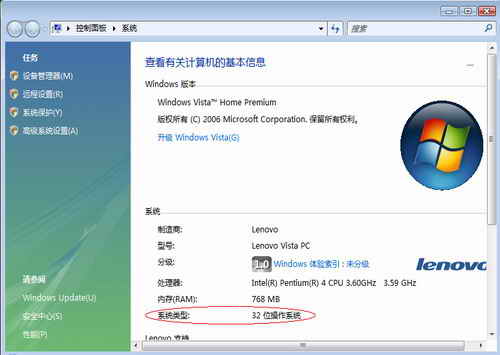
▲ 系統內容視窗中「系統類型」顯示 32/64 位元
命令提示字元輸入 systeminfo | find "System Type" 或 wmic os get osarchitecture 亦可查詢。
Vista TrustedInstaller.exe 狂佔 CPU 100%?多半是 Windows Update 正在背景安裝更新
Vista 系統非常態下的資料備份與還原技術:Windows Complete PC 與 WinRE 硬碟安裝法
IE9 Beta 不支援 XP,Vista/Win7 用戶可嘗鮮:硬體加速、HTML5/CSS3、新介面
快速查看電腦安裝的 Vista 版本 (Home Basic / Premium / Business / Ultimate)
Windows Vista 八大實用應用技巧:關閉休眠、UAC、自動登入、虛擬記憶體、服務優化、視窗加速、關機加速、啟用 Administrator