大量用戶回報:使用正確 Microsoft 帳號密碼登入 Windows 8 時提示「密碼錯誤」,但同組帳密可正常登入 Hotmail 等網頁服務。
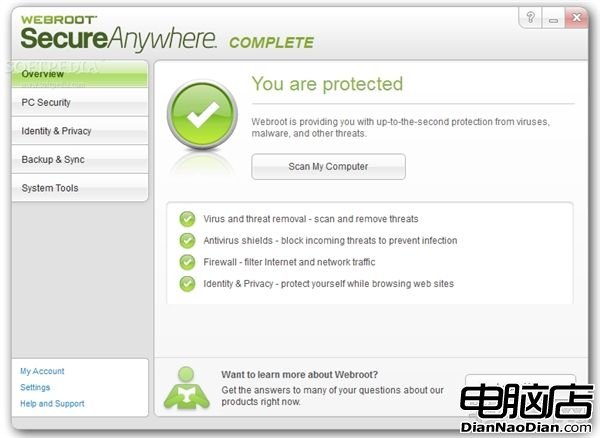
此案例凸顯第三方安全軟體深度介入系統核心時的相容性風險,也說明微軟推動內建防護方案的必要性。
Visual Studio 2013 RC釋出:XAML編輯器、雲端商務應用、C++、TypeScript、CodeLens新功能圖賞
Win10 首個 Bug 修復更新「SR1」或於 8 月 10 日推送,內測後分批發布
Windows Intune 2.0 正式版 10 月 17 日發布:雲端 PC 管理與安全防護
如何啟用 Win10 系統體驗指數 (WEI) 教學:命令列跑分、查看 XML/Log 檔、免費小工具
Win10 技術預覽版發布會十問十答:跨設備體驗、命名緣由、企業價值、ARM 版規劃、商店兼容、10 年支持週期
微軟確認新版 Fresh Paint 隨 Windows 8.1 上線
AdDuplex 調查:Surface 在 Windows 8/RT 設備中佔比升至 7.6% 微軟擴大零售通路與廣告投入見效