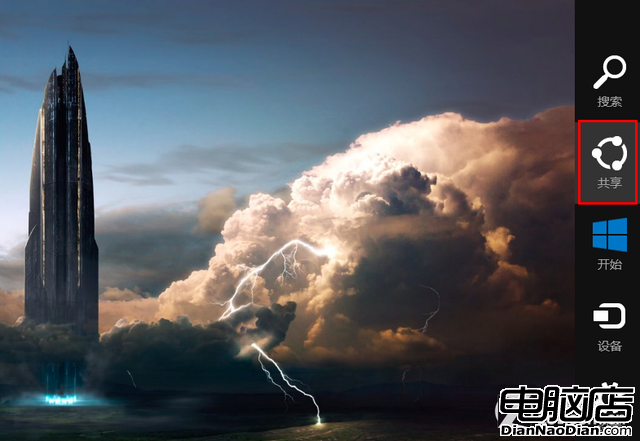
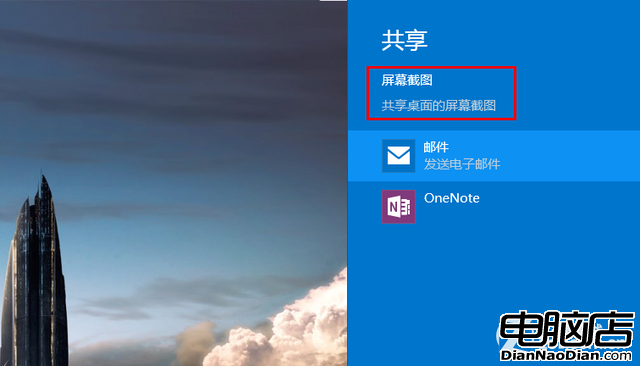
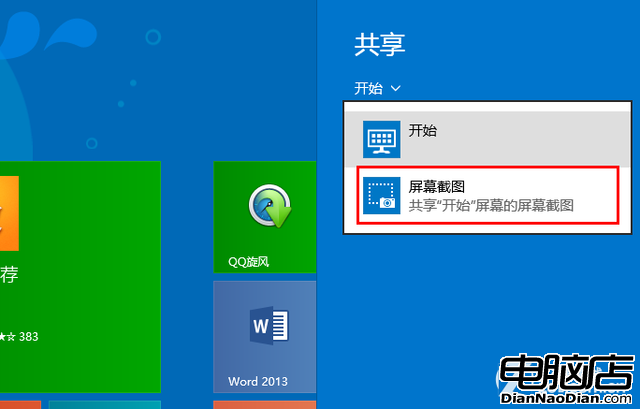
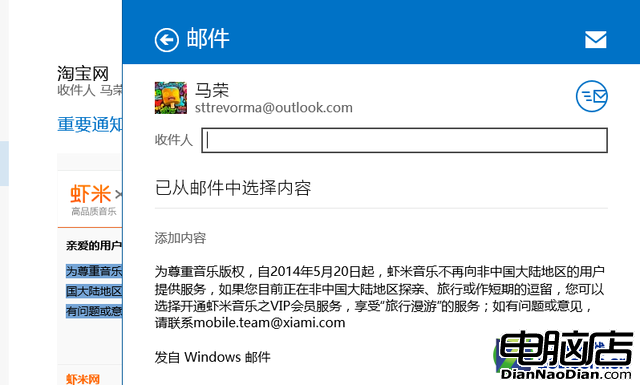
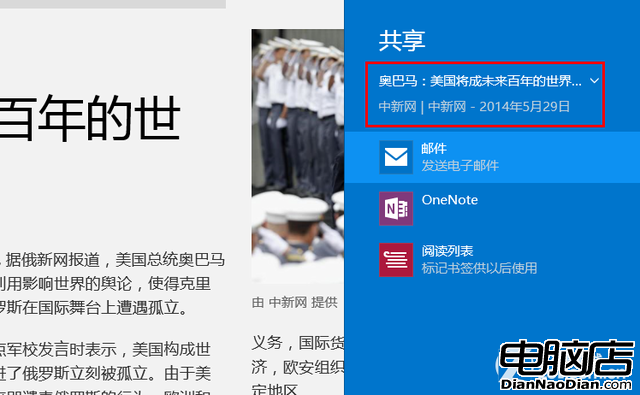
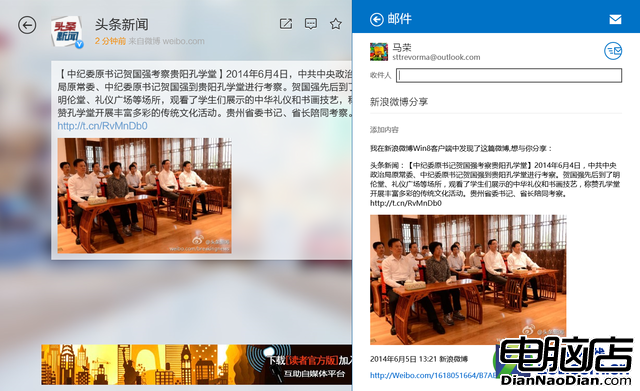
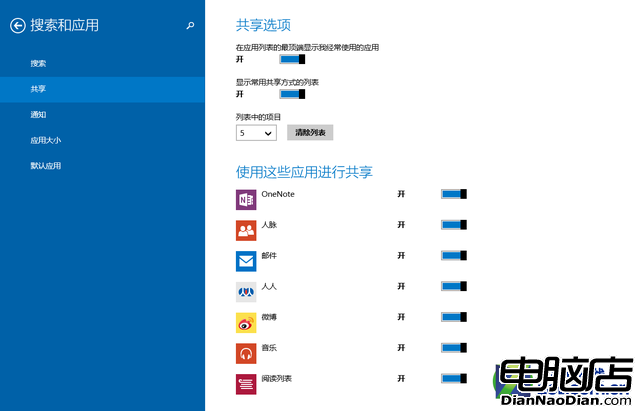
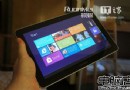
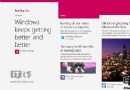
Windows 8.1 將分享功能整合至系統核心,操作極簡單。傳統桌面模式下,滑鼠移至螢幕右上/右下角喚出「超級按鈕」選擇「共享」,即可將當前桌面截圖透過郵件、OneNote 等管道分享。開始畫面與 Modern 應用中共享功能更豐富:郵件應用可分享選取文字、資訊應用可分享整篇文章、新浪微博等第三方應用亦支援系統級共享。設定中可自訂共享管道。Windows 8.1 共享功能讓「隨看隨分享」成為現實,無需開啟獨立社交軟體,極大提升行動互聯時代效率。
系統級共享重新定義內容流轉體驗。
微軟雲遊戲平台原型:在 Windows 和 WP 上玩 Xbox 大作 Halo 4
調查:開始選單成 Win10 用戶最愛功能,佔 55% 遠超小娜、Edge、行動中心
AdDuplex報告:Windows 10 Mobile裝置佔比升至23%,WP 8.1仍稱霸
微軟任命新 CFO:Amy Hood 接替 Peter Klein
Windows 10 能否刺激 PC 更新換代需求增長?
微軟或放棄 Win7 累積更新專注 Win10:SP1 後不再推出補丁彙總包
Windows 8 打開程序文件夾假死?罪魁禍首是 Windows Defender 掃描
微軟工程師透露 WP8.1 將有「相當驚人」新功能