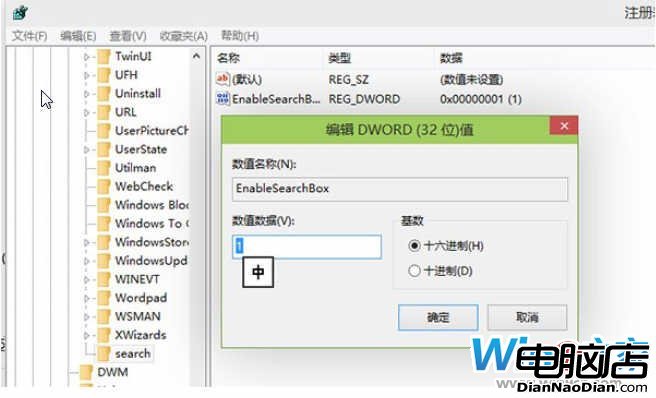
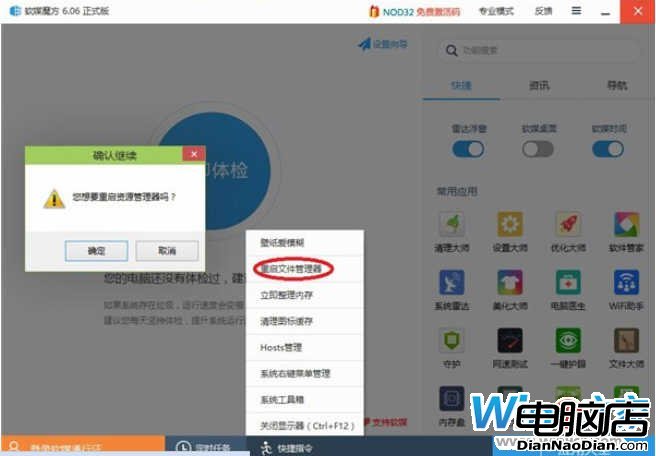
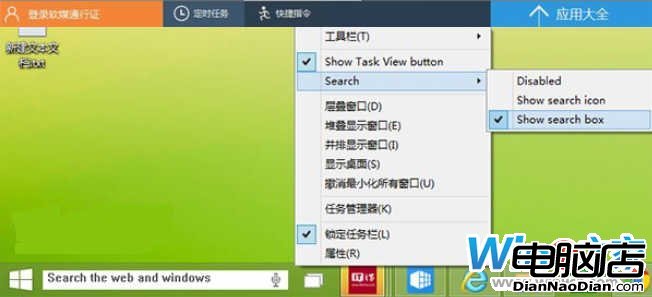
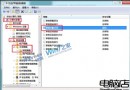
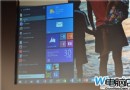
Build 9879 新功能:搜尋按鈕可改搜尋欄,預設鎖定。註冊表解鎖:
HKEY_LOCAL_MACHINE\SOFTWARE\Microsoft\Windows\CurrentVersion\Search
EnableSearchBox
1
Windows 8 看片新利器:iMovie 應用支援縮圖瀏覽、局域網串流、多檔案佇列
Windows 8.1 開始螢幕加入動態壁紙 滾動畫面時背景隨之變化
重新安裝 IE 瀏覽器:修改登錄 IsInstalled 值即可
Windows 9 版 IE12 或將大改版 UI 微軟回應用戶要求重塑體驗
WP8《快捷開關》v1.1:官方圖標風格、狀態指示器、支援 GDR3 螢幕旋轉鎖定
Windows 8 控制台全新「語言」選項:一站式管理 109 種顯示語言
沒人會單買 Windows,都買 Windows PC:Ballmer 闡述「裝置+服務」轉型
微軟亞洲研究院創新日展示 21 項前沿技術:手語翻譯、3D 掃描、即時語音翻譯領銜