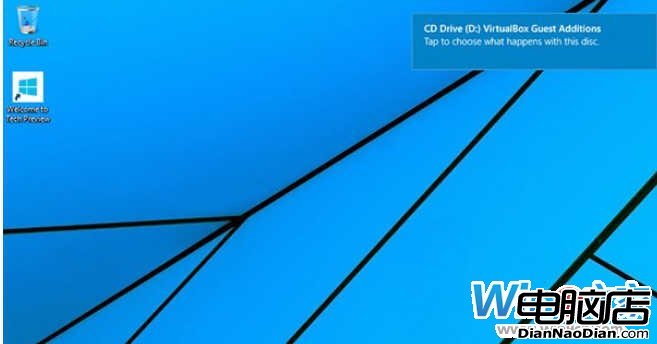
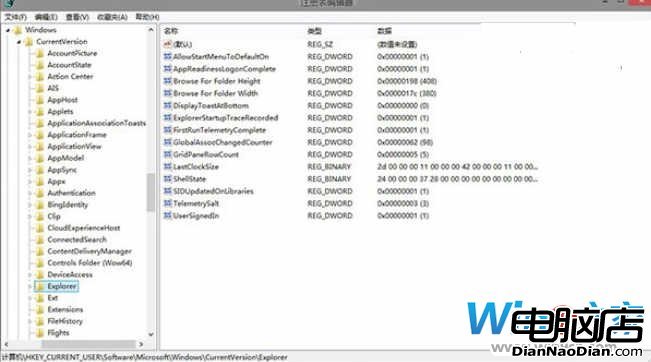
Win10 通知橫幅預設右下角(從 Win8.1 升級則右上角)。可透過註冊表調整:
HKEY_CURRENT_USER\Software\Microsoft\Windows\CurrentVersion\Explorer
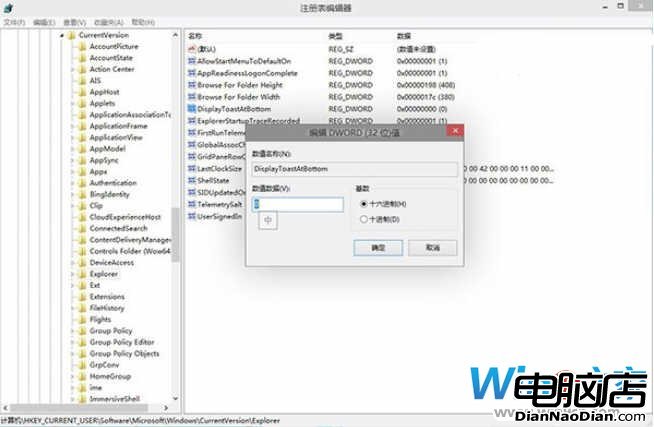
DisplayToastAtBottom
1
0
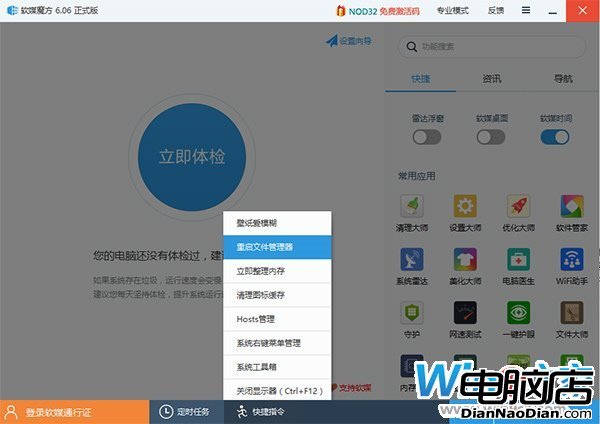
恢復:值改回 0 重啟 Explorer。
請勿下載近期「Win9 洩露版」:實為攜帶病毒的修改版 Win7
Win 10 在中國太慘了:份額僅 3.62% 不及 iOS、XP 仍佔 25.25%
未來 Windows 10 開始畫面將支援透明化效果?
微軟上線「Win 10 移動版入門」官網:影音圖文詳解新功能助用戶快速上手
WP8.1 遠程桌面徵集用戶反饋:UserVoice 成官方渠道、持續改進體驗、打造更強競爭力
Windows 8 Pro 售價 1988 元:普通用戶難以承受,正版普及遭遇寒流
國內遠程控制軟體行業快速發展:網絡人領跑市場
原 Bing 系列 Win8/WP8 應用將改為 MSN 品牌,並登陸 Android/iOS