Windows 7/8/8.1 可直接升級 Windows 10 並保留個人檔案與設定,首年升級享終身免費。XP/Vista 需格式化重裝不保留資料。以 Windows 7 為例升級步驟:
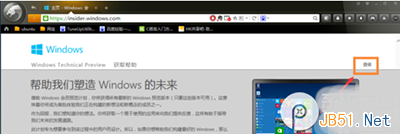
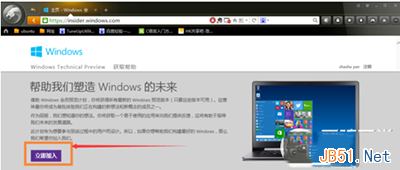
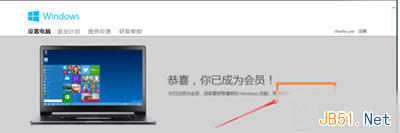
- 登入微軟官網 →「立即加入」Insider 計畫。
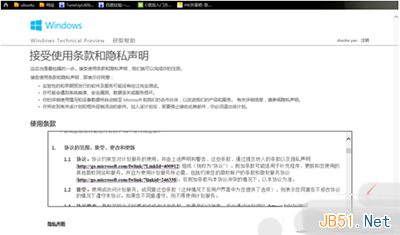
- 接受條款隱私聲明 →「我接受」。
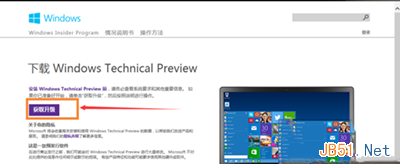
- 點選「安裝 Technical Preview」。
- 選「取得升級」而非全新安裝。
- 下載升級元件 → 執行 → 重開機。
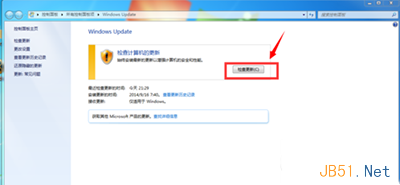
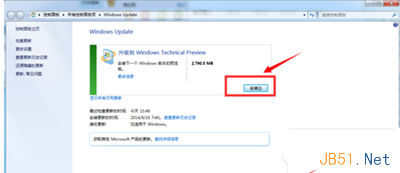
- Windows Update →「檢查更新」→「安裝」。
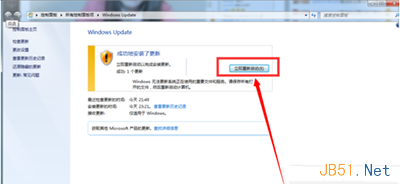
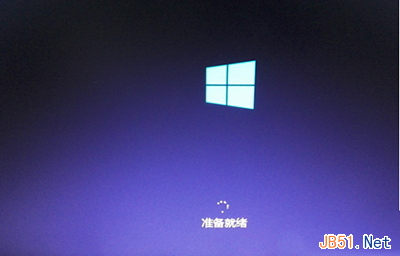
- 等待下載安裝 (約 1+ 小時) →「立即重新啟動」。
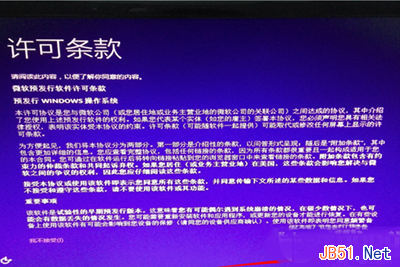
- 接受授權條款 →「我接受」。
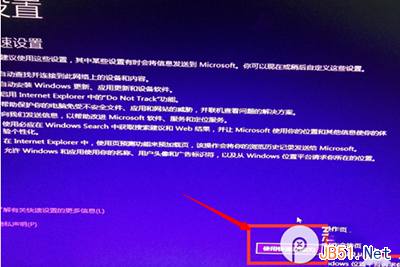
- 選「使用快速設定」或自訂。
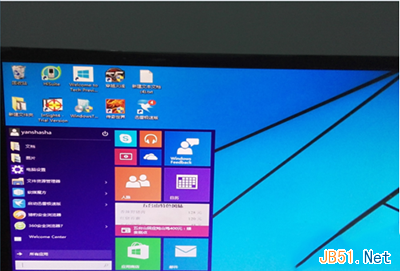
- 等待應用程式安裝完成 → 進入 Windows 10 介面,原 Win7 軟體保留。


升級過程漫長但大多自動化,耐心等待即可。