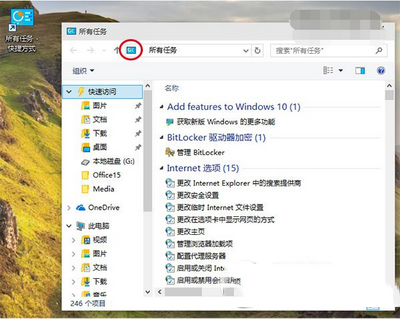
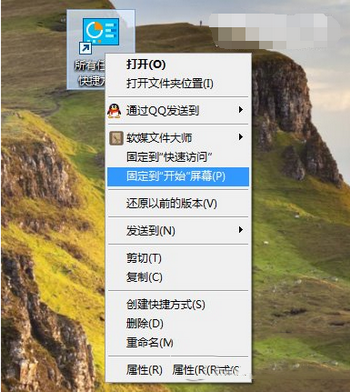
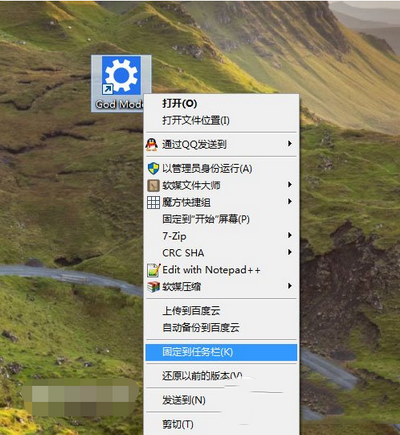
Win10「上帝模式」= 包含所有設置的隱藏文件夾(傳統控制面板完全展開),因「設置」尚不完善,極實用。
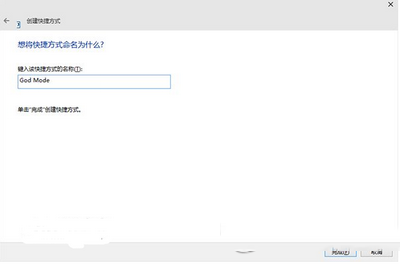
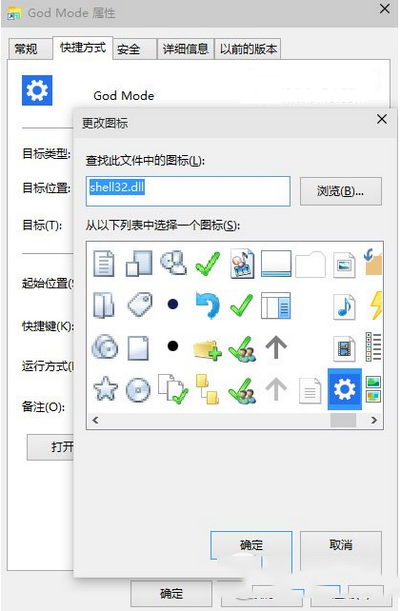
三步開啟:
shell:::{ED7BA470-8E54-465E-825C-99712043E01C}
explorer.exe shell:::{ED7BA470-8E54-465E-825C-99712043E01C}
頻繁用控制面板設置者,此法讓所有選項一目了然。
Windows XP 開機進入桌面卻無法操作幾分鐘?修正啟動模式為「正常啟動」即可
Ghost 版 Win8.1 提示授權即將過期?重新啟用工具即可
Win10 15014 修復桌面圖示自訂位置失效:重開機不再亂跑,多螢幕佈局也穩定
Win10 開機慢怎麼辦?啟用「快速啟動」一鍵解決開機緩慢問題
Win10 Mobile 預覽版 10240 模擬器圖賞:通知中心與介面細節
Win10 免費升級完整 QA:資格條件、費用、相容性、回復舊版、語言變更、32/64 位元轉換全解析
Win10清空回收站后如何恢复文件?注册表重建回收站命名空间找回数据
Win8 系統解析度怎麼調?右上角魅力列 → 設定 → 更多電腦設定 → 電腦與裝置 → 顯示器調整