
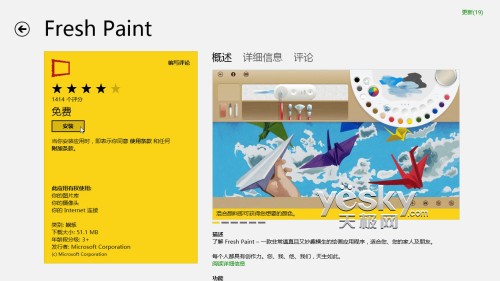


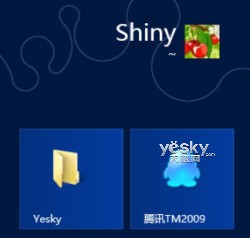
安裝完成後,開始畫面會出現對應磚塊,點擊即自動切換至桌面模式啟動程式。
Win8 修改電腦名稱:Win+Pause/Break 快速開啟系統屬性
Win8 修改電腦名稱方便區域網路辨識:Win+Pause/Break → 系統屬性 → 變更設定 → 變更
不格式化保留數據制作 Win8.1 安裝 U盤?修改註冊表禁用 Windows 7 USB DVD Download Tool 格盤功能
Win8 一鍵全螢幕截圖自動存檔:Win+PrtSc 快速鍵詳解
Windows 8.1 關閉睡眠/待機功能教學:電源選項設定「不曾」進入睡眠
Win8 桌面圖示大小自由調:Ctrl+Alt+數字鍵 / Ctrl+滑鼠滾輪 / Ctrl+Alt+± 熱鍵大全