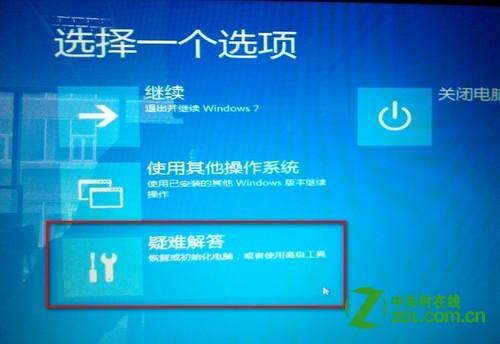
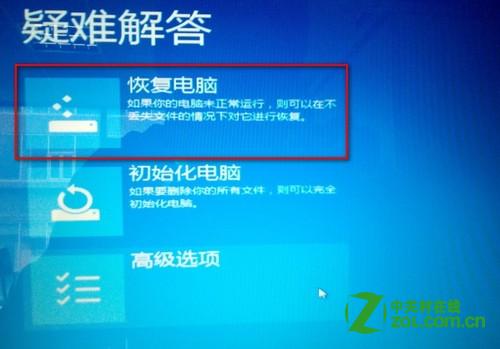
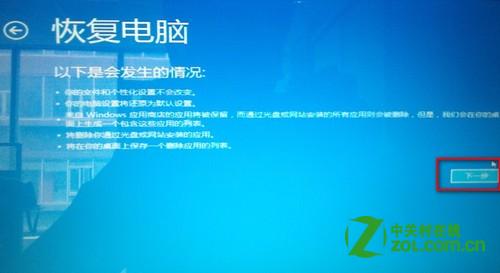
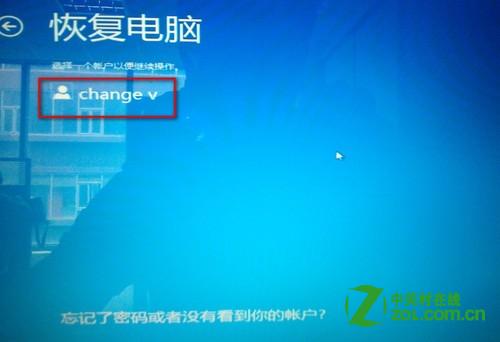
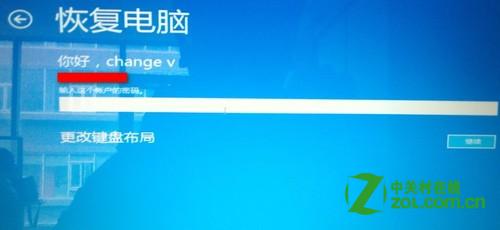
Windows 8 安裝更新後偶發黑屏,甚至無法進入安全模式。此時可透過 Windows 復原環境 (WinRE) 執行系統還原或修復。
開機連續按 F8 選擇「安全模式」→「修復您的電腦」→「疑難排解」。
補充說明:若仍能正常進入安全模式,請參考知識庫 077382,於安全模式下移除最近安裝的更新補丁即可解決。
Win8/8.1 如何啟用類 Win7 經典開始選單?內建設定即可實現
系統巧妙設定讓 Windows 8 開機更快:msconfig 與啟動項管理
Win8 設定 Java 環境變數 JAVA_HOME 與 Path 圖文教學
Win8 開始畫面磚分組命名:右下角縮放圖示→右鍵分組→命名群組
Win8/8.1 恢復開機按 F8 進入進階啟動選單:bcdedit /set {default} bootmenupolicy legacy
Win8.1 修改標題列與提示框字體大小設定教學
Windows 8 查看元件服務(COM+)與事件檢視器
Win 8.1 開啟滑鼠游標軌跡效果提升可見度