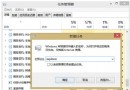
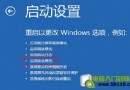
Windows 8 新安全啟動機制導致開機按 F8 無法進入安全模式。若需恢復傳統 F8 選單,請以系統管理員身分執行命令提示字元輸入以下指令:
bcdedit /set {default} bootmenupolicy legacy
執行完成後重新開機,按 F8 即可看到傳統進階啟動選項。
若要恢復 Windows 8 預設啟動模式(無 F8 選單),執行:
bcdedit /set {default} bootmenupolicy standard
透過 bcdedit 修改啟動原則,隨心切換安全模式進入方式。