Windows 8 三大零售版本差異比較
Windows 8 消費者可購買的版本主要有三種:Windows RT、Windows 8(核心版)、Windows 8 專業版。企業版面向大量授權,一般消費者較少接觸。
Windows RT
- 架構:ARM 處理器(平板/行動裝置)。
- 特色:超長續航力、免費內建 Office 2013 RT。
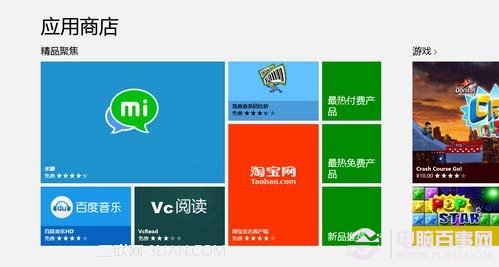
- 限制:無法安裝傳統 x86 桌面軟體,僅能從 Windows Store 下載 Modern App。
- 取得方式:隨裝置(如 Surface RT)預裝,不單獨零售。
Windows 8(核心版)
- 定位:主流家用/辦公版本,繼承 Win7 桌面體驗,新增開始畫面與 Windows Store 生態系。
- 功能:可安裝傳統桌面程式 + Windows Store App。
- 適用對象:絕大多數個人電腦使用者。
Windows 8 專業版
- 包含核心版所有功能,另加企業級特性:
- BitLocker / BitLocker To Go 磁碟加密
- 遠端桌面主機(被遠端連線)
- 網域加入(企業/學校網路環境)
- Client Hyper-V 虛擬化(需 SLAT 支援的 64 位元 CPU + 額外 2 GB RAM)
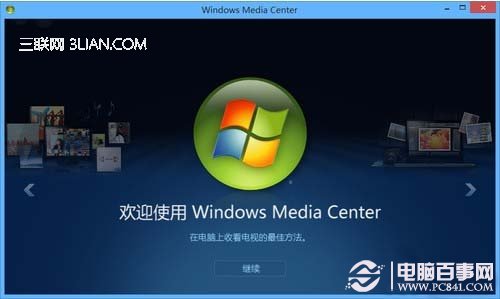
- Windows Media Center(需另購序號)
- 適用對象:系統管理員、IT 人員、需資料加密/遠端桌面/網域環境的專業使用者。
購買建議
- 一般家用/辦公/遊戲:Windows 8 核心版 即足夠。
- 需 BitLocker、遠端桌面、網域加入:Windows 8 專業版。
- 購買平板裝置:若為 Surface RT 等 ARM 裝置則為 Windows RT;x86 平板則可選核心版/專業版。
- 價差:專業版比核心版貴約新台幣 3,000 元(文中提及 1,000 人民幣),按需購買。
選擇適合自己需求的版本,才能發揮最大效益。