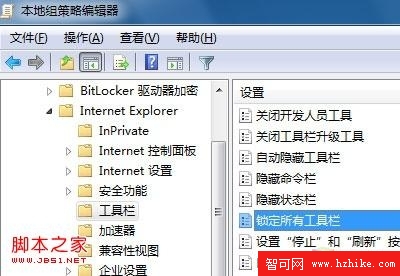
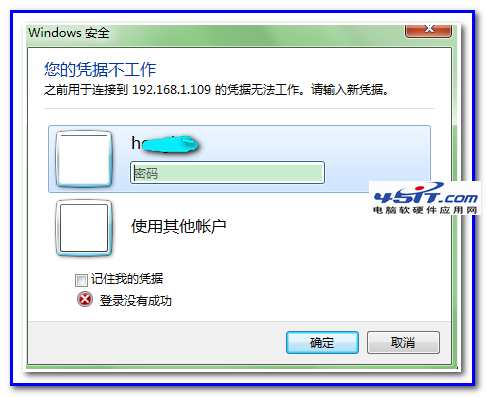
IE8 網址列右側內建 Bing 搜尋框,不習慣者可透過群組原則隱藏:
gpedit.msc
電腦設定 → 系統管理範本 → Windows 元件 → Internet Explorer
若想保留搜尋功能但更換引擎,可在 IE「管理增益集」→「搜尋提供者」添加 Google、Yahoo 等並設為預設。恢復預設只需將原則改回「未設定」。
Windows 7 建立 VHD 虛擬磁碟分區完整教學:建立、掛載、分割、卸載
Windows 7 新特性 Jump List:滑鼠左鍵向上拖曳也能喚鍵,右鍵習慣者的福音
Win7 玩《暴力摩托 2002》花屏?一招切換經典主題完美解決
Win7 開機自動撥號腳本:免路由器、靜默背景執行,長輩專用
Win7 新增使用者帳號兩大法:控制台圖形介面 vs 管理工具進階建立
Windows 7 隱藏版炫酷氣泡螢幕保護程式:登錄啟用 MaterialGlass 效果
自動更新是否做過頭?以 IE8 強制推送為例探討使用者選擇權
Windows 7 無法建立程式庫?錯誤 16389 群組原理解決法