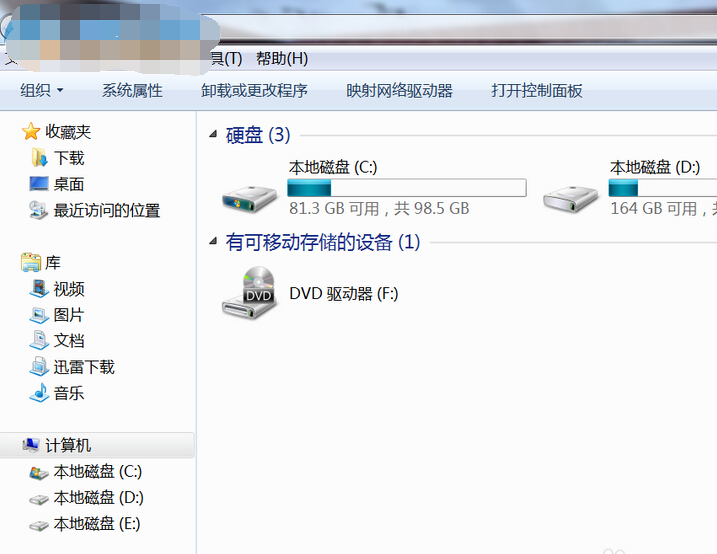
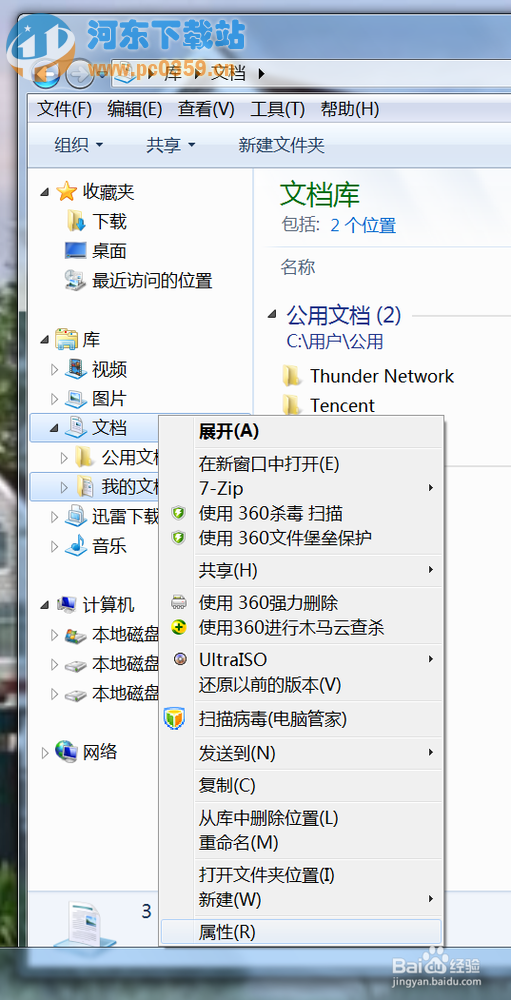
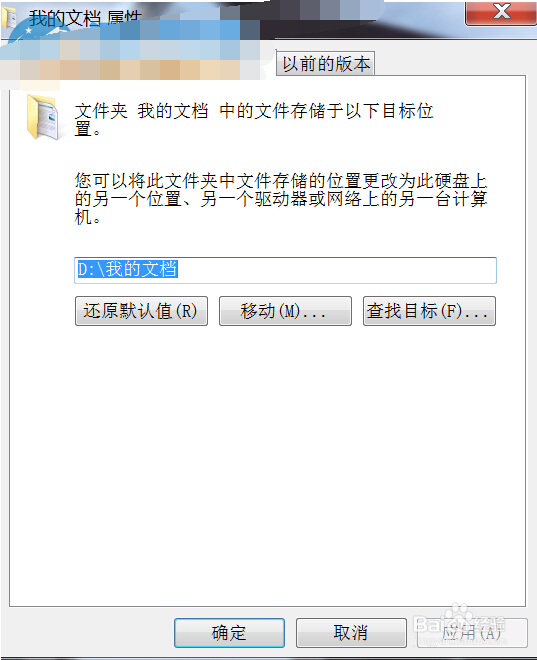
為保護資料不因重灌系統遺失,建議將「我的文件」移至非系統碟。Windows 7 內建路徑變更功能,三步驟即可完成,無需第三方工具。
D:\Documents
同樣適用於「圖片」、「音樂」、「視訊」、「下載」等資料夾。移動後重灌系統只需重新指向 D 槽路徑,資料秒回復,省時安心。
想買電腦玩《守望先鋒》?這份購機指南助你輕松上手
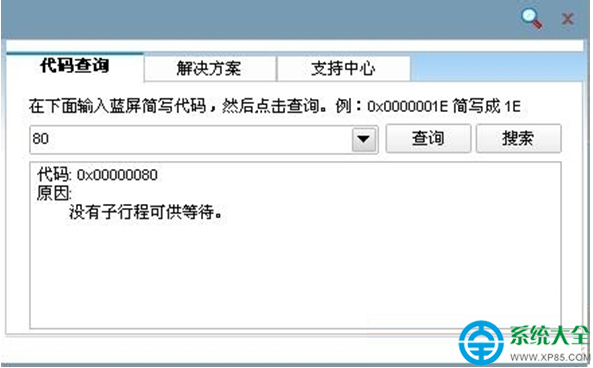
Win7 藍屏錯誤代碼 BlueScreen 怎麼解決?完整排除與修復指南
Windows 7 安全新三寶:UAC 改良、BitLocker 強化、Suite B 軍規加密
7 吋工業液晶屏選型指南:依應用場景挑選廠牌與規格
Win7 安裝後清理優化完整指南:垃圾檔案、系統資料夾、預設應用程式三步驟
Win7 任務列小喇叭提示「音訊裝置服務已停用」?修正 Windows Audio 服務登入身分為 Local Service
iPhone 7 四颗闪光灯有什么用?双色温升级四色温:更柔和、色温更准、层次更丰富
Windows 7 升級顧問使用教學:檢測電腦硬體相容性是否支援升級 Win7