C 槽空間不足影響效能。清理前先認清資料夾功能,避免誤刪系統關鍵檔案:
(原文 8 張圖片詳細標註各資料夾用途與可清理項目,此處摘要)
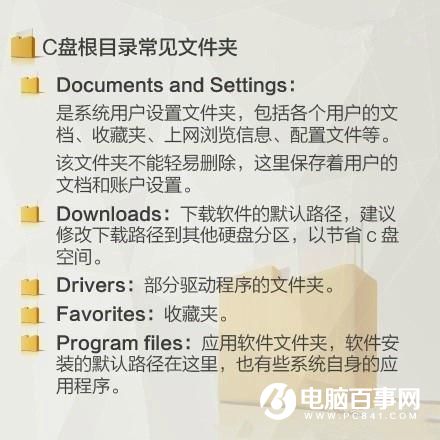
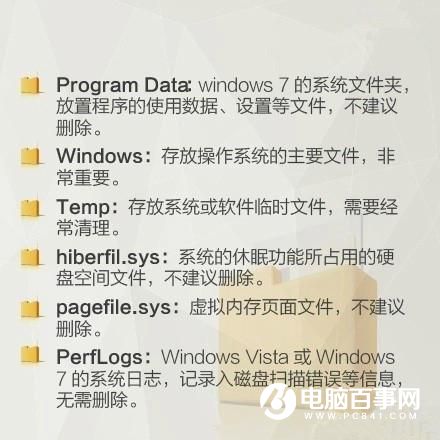
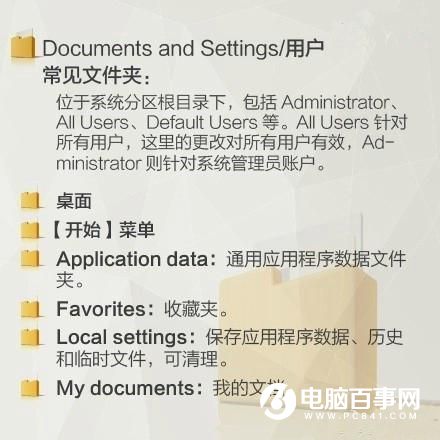
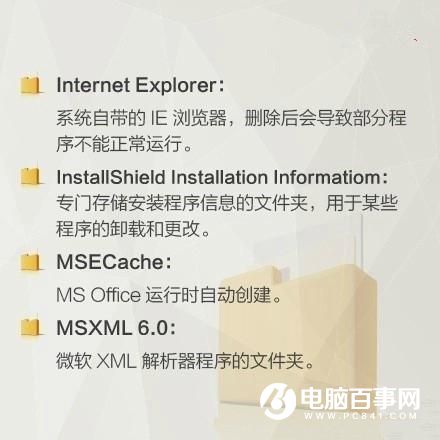
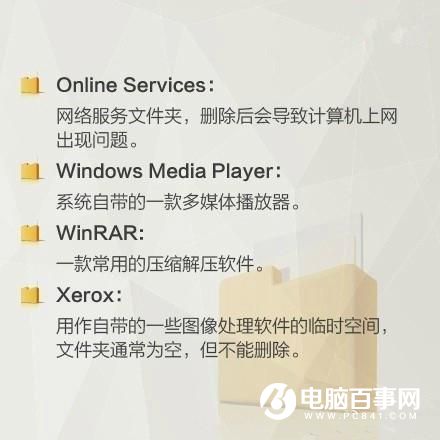
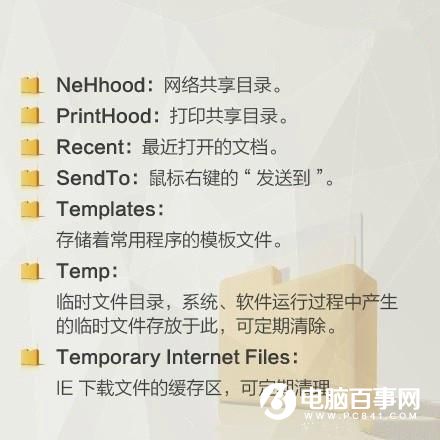
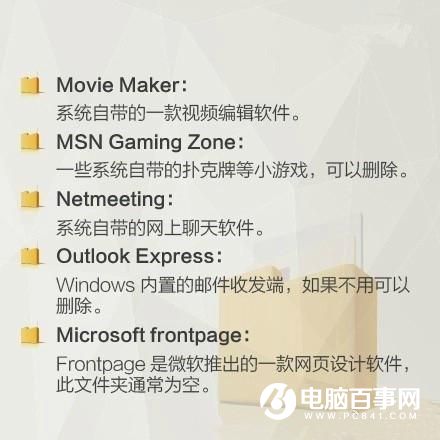
可安全清理:C:\Windows\Temp、C:\Users\用戶名\AppData\Local\Temp、C:\Windows\Prefetch、瀏覽器快取、C:\Windows\SoftwareDistribution\Download (更新備份)、C:\Windows\Logs、C:\Windows\Memory.dmp (記憶體傾印)。
嚴禁刪除:C:\Windows\System32、C:\Windows\WinSxS (組件儲存)、C:\Program Files、C:\ProgramData、C:\Users\用戶名 (使用者資料)。
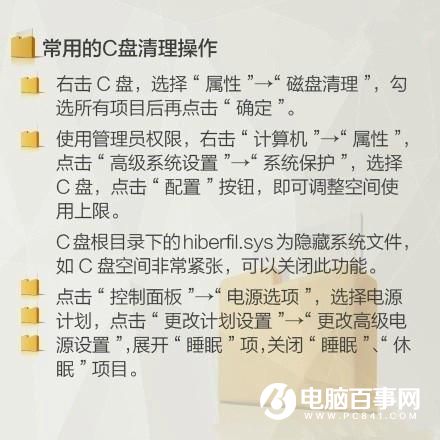

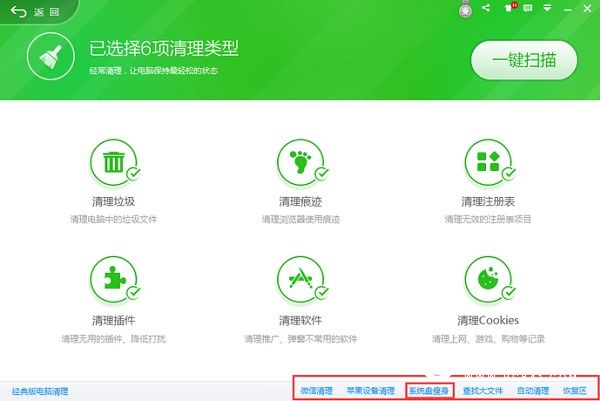
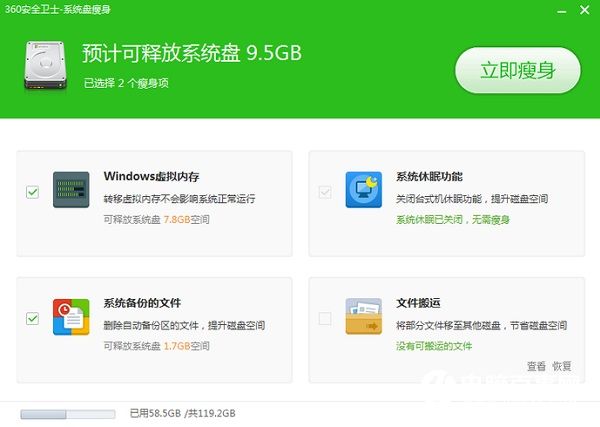
建議:手動清理可精準控制,工具法省時省力;定期 (月一次) 清理可維持 C 槽 20% 以上剩餘空間,確保系統流暢。