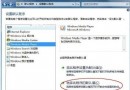
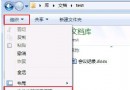
Win7 開始選單/資源管理器搜尋框無反應、無結果,可透過註冊表新增 UseSearchAsst 字串值設為 NO 強制使用傳統搜尋助理修復。
regedit 開啟註冊表編輯器。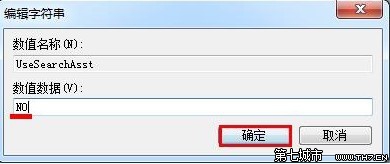
HKEY_CURRENT_USER\Software\Microsoft\Windows\CurrentVersion\Explorer\CabinetStateUseSearchAsst。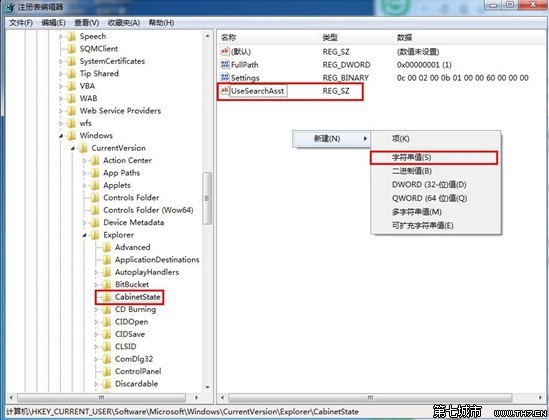
UseSearchAsst → 數值資料設為 NO → 確定。
原理:UseSearchAsst=NO強制 Windows 使用舊版搜尋助理繞過可能損壞的 Windows Search 索引服務。若問題持續,建議:
• services.msc 重啟 Windows Search 服務
• 控制台→索引選項→進階→重建索引
• sfc /scannow 修復系統檔案