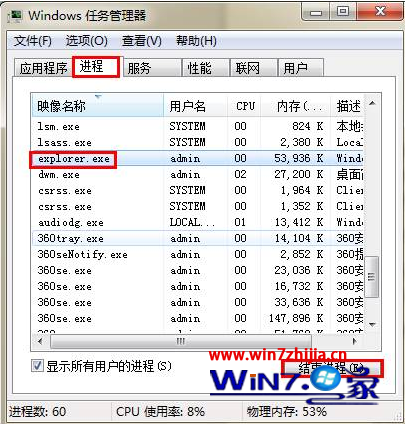
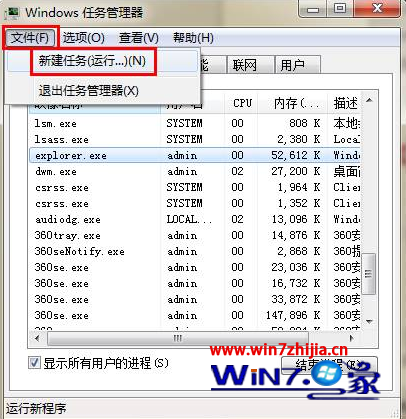
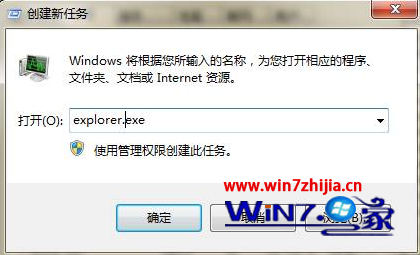
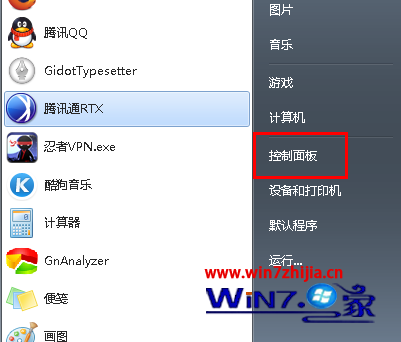
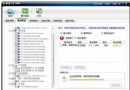
桌面圖示、工作列、開始功能表全部無反應,但滑鼠能動、鍵盤熱鍵仍生效。
explorer.exe
explorer.exe 負責桌面殼層,重啟相當於重置殼層狀態,不影響其他執行中程式。
Win7 解決工作列預覽縮圖不清晰:登錄檔 MinThumbSizePx 調大縮圖尺寸
Windows 7 預測試版 M3 主要功能搶先看
找回 Windows 7 開機動畫畫面:語言設定修復與修復光盤
Windows 7 致力驅動優化:解決 Vista 遺留兼容問題,目標零安裝失敗
Win8 雲端同步個人設定如何刪除?兩步驟:關閉同步→刪除雲端資料
低配電腦也能跑順 Win7:手動優化系統服務完整指南
停用「使用 Windows 7 顯示器校準」解決照片檢視器卡頓
Windows 7 光碟機消失?修改登錄表找回光碟機