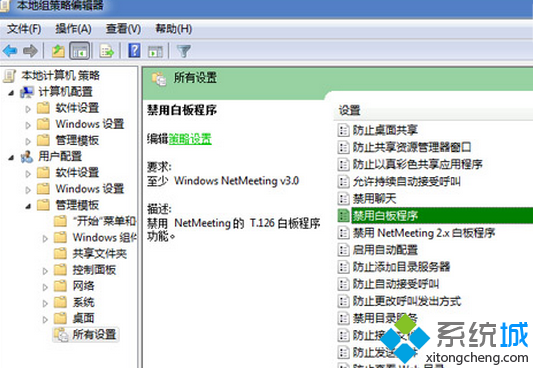
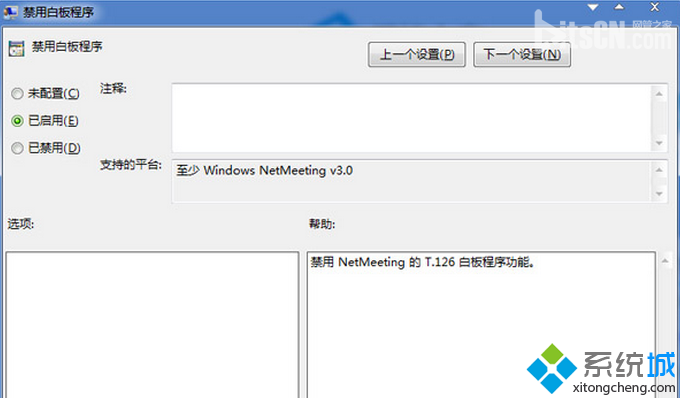
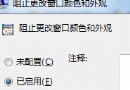
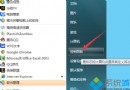
企業環境需禁用 NetMeeting 白板功能,群組原則啟用「停用白板程式」即可。
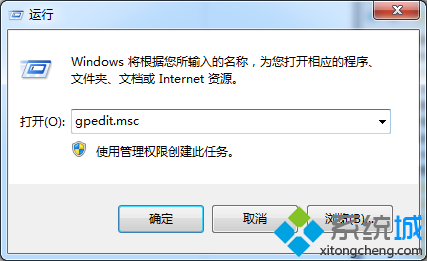
gpedit.msc
白板程式即被禁用,無法啟動。
Win7 工作列深度馴服指南:8 大進階技巧打造專屬效率中樞
Windows 7 防毒理念研究:「縱深防禦」才是核心邏輯
Win 7 大容量硬碟分區策略:系統盤 50GB、程式獨立盤、資料分類盤完整規劃
Windows 7 關閉自動更新後「重新啟動」提示:群組原則一鍵靜音
Windows 7 32位旗艦版安裝 Daemon Tools 反覆重開機解決方法
Windows 7 優化大師內建實用工具盤點:一鍵還原、記憶體整理、檔案分割、檔案粉碎、軟體解除安裝、驅動備份還原
重裝 Windows 7 不丟資料:金山裝機精靈 2.0 一鍵備份 180 項個人資料與驅動程式
Win7 無法開啟 iTunes 提示 Bonjour 服務停用?啟用服務即可解決