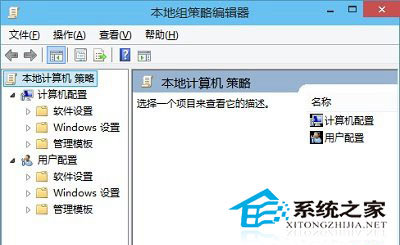
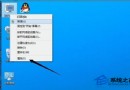
Windows 10 專業版/企業版內建群組原則編輯器,提供兩種快速開啟方式。
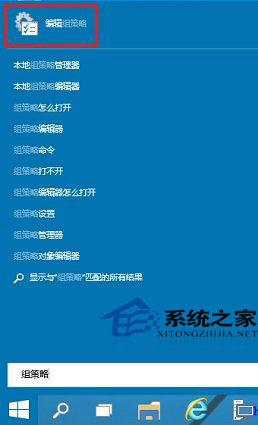
點選「開始」→ 輸入「群組原則」或 gpedit → 點選「編輯群組原則」。
gpedit
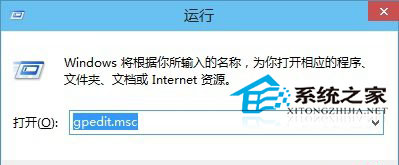
Win+R → 輸入 gpedit.msc → Enter。
gpedit.msc
家用版無群組原則編輯器,需升級專業版或使用第三方工具 (如 Policy Plus) 替代。
Win10 移除桌面圖示陰影:解決字體模糊、提升視覺清晰度
Windows 10 禁止開機自動執行語音辨識的設定方法
微軟促銷:Mac 折價 300 美元換購 Win10 電腦,舊 PC 折價 200 美元,覆蓋 8 國地區
Win10 設定揚聲器為預設播放裝置:兩種快速切換法
盜版系統升級 Windows 10 出現黑畫面的 5 種解決方案
Win10 建立 WiFi 熱點:netsh 指令三步驟開啟虛擬無線網路
Windows 10 正式版如何激活?四大主流激活方案完整圖文教學 (KMSpico、KMS10、迷你 KMS、命令列)
Windows 10 快速檢測 Hosts 檔案是否被竄改:Ping 測試法