Win10 應用商店 (Microsoft Store) 頻繁出現打不開/閃退/錯誤代碼,微軟提供官方自動修復工具,可一鍵診斷並修復常見問題 (快取損壞、註冊錯誤、服務停用等)。
https://support.microsoft.com/zh-tw/help/4027498)。MicrosoftStoreTroubleshooter.exe (或類似檔名) → 按提示操作 → 自動檢測修復。
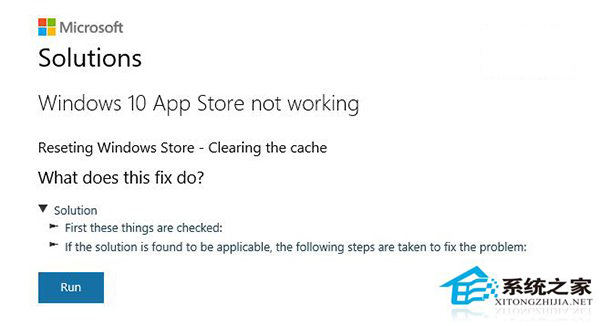
補充手動方案 (工具無效時):
• 刪除 Store 快取:C:\Users\<用戶名>\AppData\Local\Packages\Microsoft.WindowsStore_8wekyb3d8bbwe\LocalCache 全部刪除。
• PowerShell 重註冊:Get-AppxPackage -AllUsers Microsoft.WindowsStore | Foreach {Add-AppxPackage -DisableDevelopmentMode -Register "$($_.InstallLocation)\AppXManifest.xml"}。
官方工具整合上述邏輯,建議優先使用。