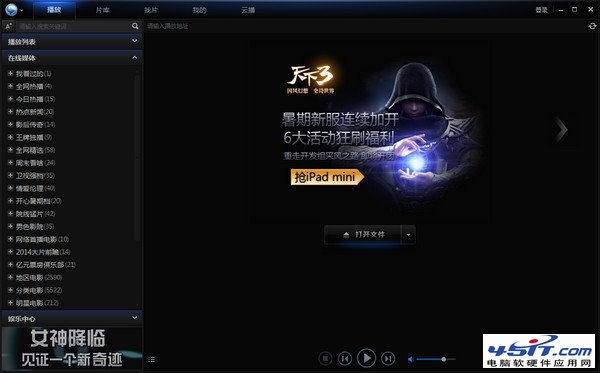
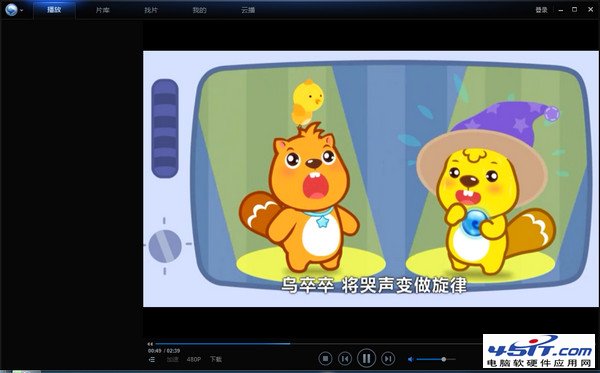
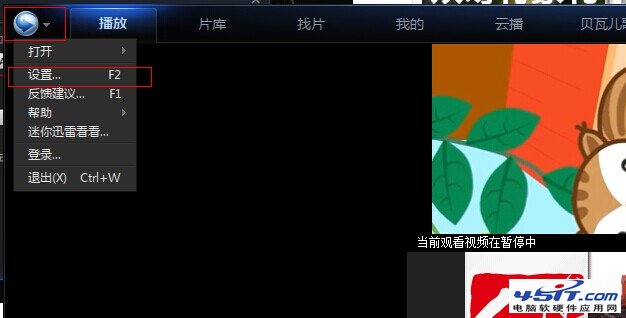
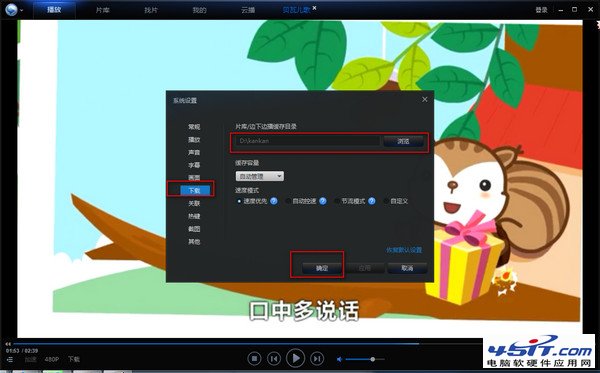
迅雷看看播放視頻想自動保存到指定目錄:
極簡幾步,視頻緩存自動歸類到指定目錄,告別到處找文件。
快播下載慢怎麼辦?三步優化接收速度+官網驗證法
PDG 轉 PDF 完整教學:利用 PS 驅動與 Acrobat Distiller 破解超星限制
SWF 轉 AVI 無聲音?根因在舊版 Flash Player,升級解碼器即可修復
PDF 內容修改完全指南:從 Acrobat 專業編輯到免費替代方案實測
快播退出後下載任務消失?三大成因與數據搶救指南
暴風影音循環播放設置:列表/隨機/順序三模式
AutoCAD 2004 基礎操作全解:指令輸入四法、重複指令技巧、儲存退出三法
SWF文件打開全方案:從瀏覽器插件到專業播放器的完整指南