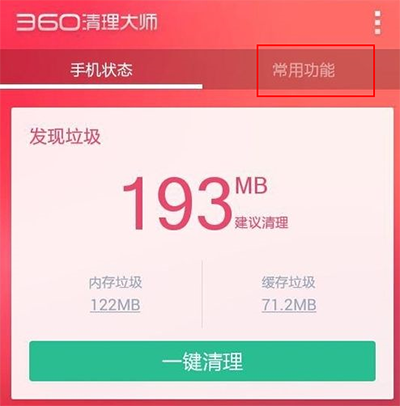
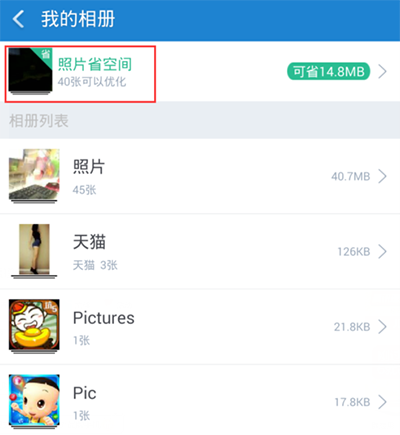
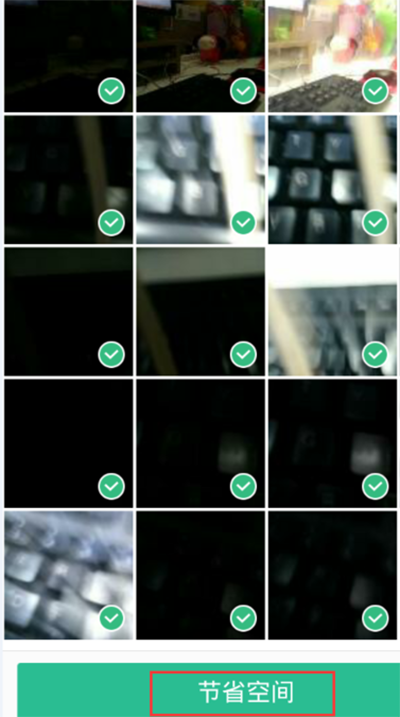
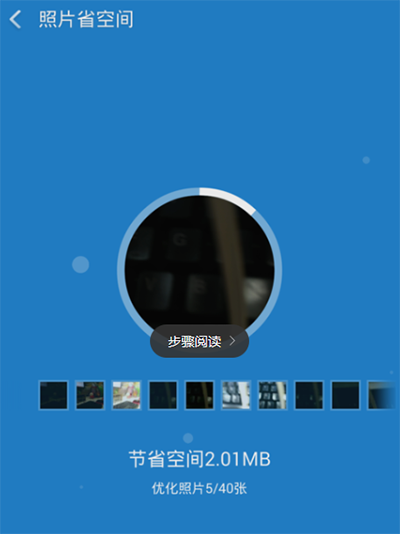
照片佔滿記憶體不想刪?360 清理大師「照片省空間」功能無損壓縮,兩步完成。
輕鬆騰出空間,珍貴回憶全保留!
手機流量跑太快?5 招教你精準省流量
虐殺原形 PC 版第 9 關劇情流程圖文攻略
IEEE 1394 (FireWire) 接口全解析:從 400 到 3200 Mbps 的演進、與 USB 對比、應用場景
《合金裝備5:幻痛》蝴蝶勳章獲取條件:攜靜靜三次主線、擊殺超DD、有評價通關
千千靜聽設定開機自動播放音樂教學:兩步驟打造專屬音樂喚醒服務
DNF 2015國慶禮包稱號「聖殿之巅」屬性全解析:購買不朽神話禮包獲得,三攻+50、雙速+3%、全屬強+15、暴擊+10%、30秒爆發Buff
移除 Office 2013 預覽版 / Office 365 Click-to-Run 手動步驟:刪除整合資訊、排程任務、結束進程、刪除服務
電腦數據恢復軟體大比拼:萬能數據恢復寶盒 vs Pandora vs Puran vs TestDisk