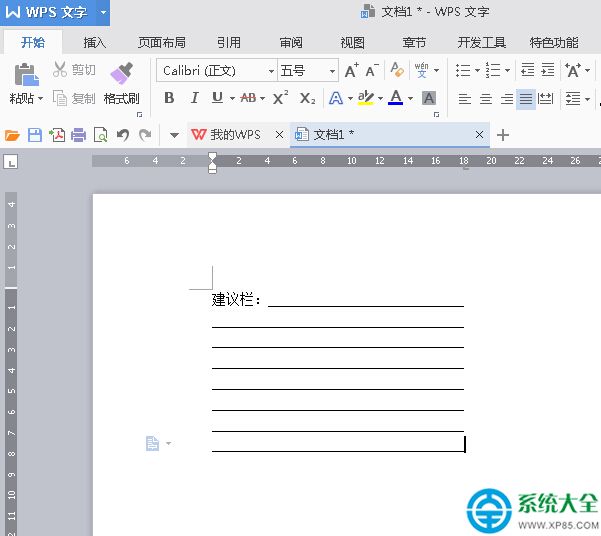
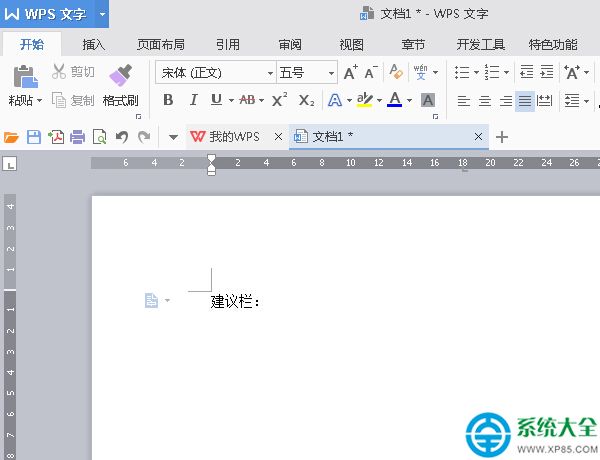
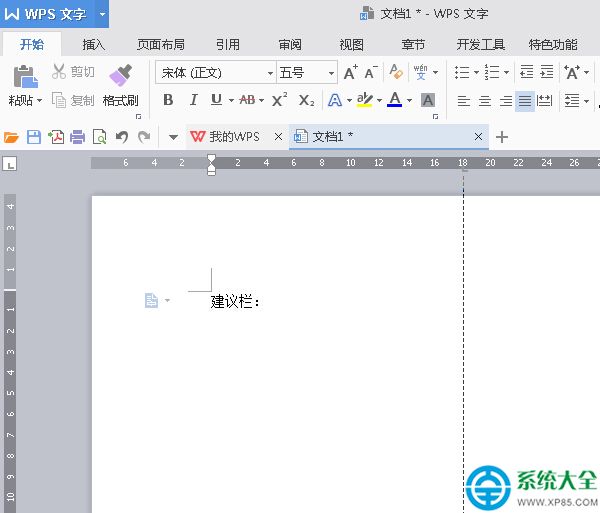
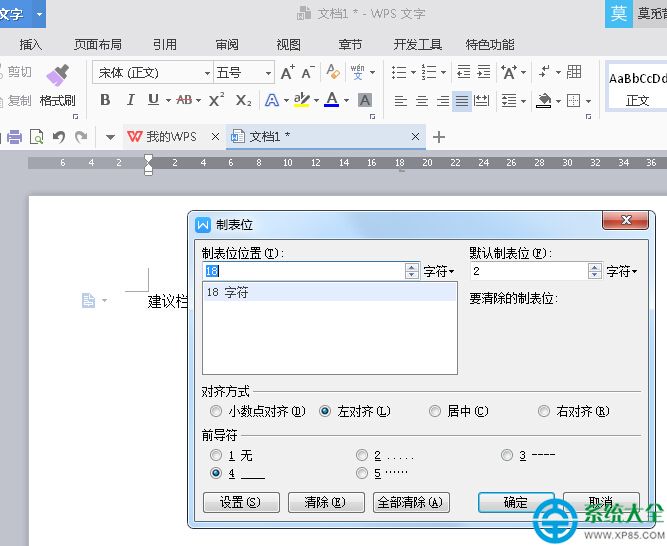
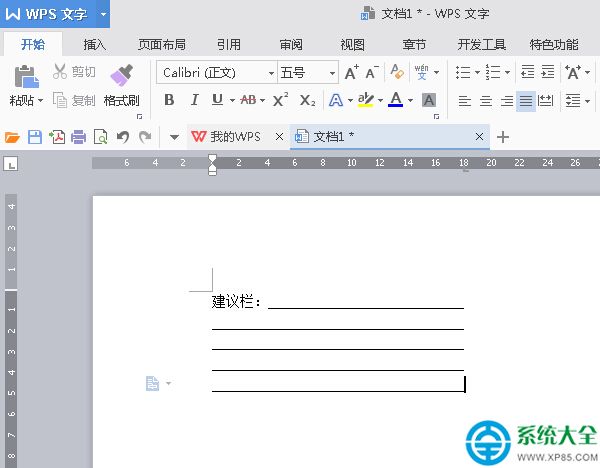
WPS 2016 利用製表位功能快速建立建議欄/填寫線:
製表位是對齊填寫線的專業利器,表單設計必學技能。
Win10 登入 QQ 出現 0x00060017 錯誤?刪除對應帳號資料夾即可修正
Photoshop 快速產生參考線神器:Griddify 擴充套件完整教學
開機自檢報錯?10大常見 BIOS 錯誤代碼中英對照與排除指南
《英雄聯盟》9月幸運召喚師回歸:英雄皮膚全場一折限購指南
《虐殺原形》通關核心心得55條:從新手到大師的進階指南
有道雲筆記協作群使用指南:建群、資料庫構建、筆記協作、全文搜索、討論區溝通
驅動人生 2016 新年備份驅動指南:三大備份用途、自訂路徑、一鍵還原
百度輸入法 iOS 版輸入顏文字/特技顏文字完整指南