Windows XP Windows 7 Windows 2003 Windows Vista Windows 綜合教學 Linux 系統教學
Windows 10 Windows 8 Windows 2008 Windows NT Windows Server 電腦軟體教學
您现在的位置: Windows教程網 >> Windows教程 >  >> Linux 系統教學 >> 關於 Linux

Linux 安裝 fcitx 輸入法框架:套件管理器安裝、重啟、加入輸入法列表

編輯:關於 Linux

fcitx 為模組化輸入法框架,支援拼音、倉頡、注音等引擎。安裝步驟:

  1. 使用發行版套件管理器安裝:
    Debian/Ubuntu:sudo apt install fcitx fcitx-googlepinyin fcitx-table-cangjie
    Fedora:sudo dnf install fcitx fcitx-googlepinyin
    Arch:sudo pacman -S fcitx fcitx-googlepinyin
  2. 重啟 fcitx:fcitx -r 或登出重登入。
  3. 設定環境變數(~/.xprofile 或 /etc/environment):
    export GTK_IM_MODULE=fcitx
    export QT_IM_MODULE=fcitx
    export XMODIFIERS=@im=fcitx
  4. 執行 fcitx-configtool 加入所需輸入法(如 Google 拼音、倉頡),調整快捷鍵(預設 Ctrl+Space 切換、Shift+Ctrl 切換模式)。
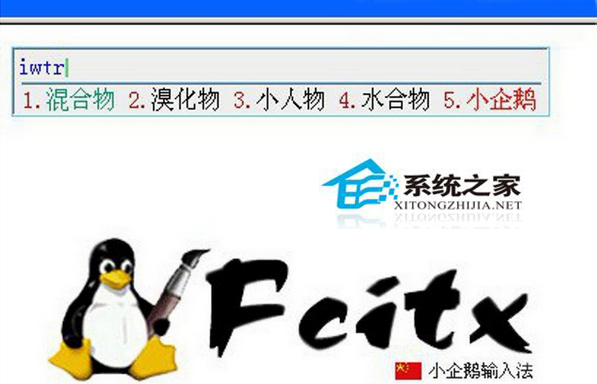
現代桌面(GNOME/KDE/Plasma)通常整合輸入法設定於系統設定介面,亦可於圖形介面完成上述配置。

Copyright © Windows教程網 All Rights Reserved