升級 Ubuntu 後,拼音輸入法顯示的候選字與輸入無關,無法正常打字。
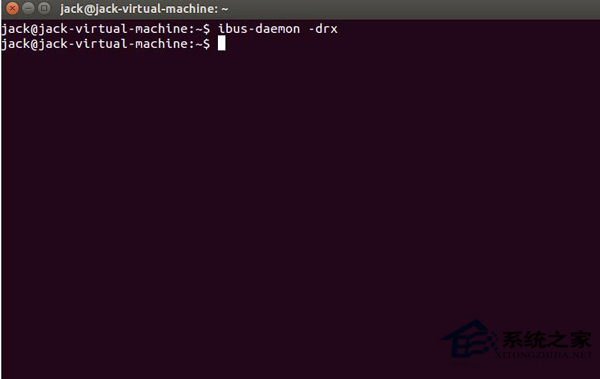
ibus-daemon -drx
升級後 ibus 守護程序可能未正確重啟,導致輸入法引擎異常。-drx 參數會以 daemon 模式重新啟動並取代現有進程。
-drx
單一指令即可修復升級後的拼音輸入異常,非輸入法本身損壞,無需重裝。
Linux 容器技術 LXC 安裝部署完整指南:從建立到網路配置
解決 Linux vsftpd 530 Login Incorrect 錯誤的三大方案
Linux 系統中驗證 SHA1 與 MD5 雜湊值的完整指南
红旗 Linux FTP 服务配置全攻略:图形工具与 vsftpd/proftpd 文本配置
CentOS 使用 Windows 字體(微軟雅黑、Consolas、黑體)完整設定教學
Ubuntu 實現視窗左右分屏:wmctrl + Shell 腳本自動計算解析度並平鋪
apt-get 強制走 IPv4 或 IPv6 更新通道:三種配置方式任你選
CentOS 解除 Fail2ban 封鎖 IP:iptables 列出與刪除封鎖規則