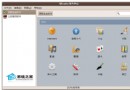
許多使用者不清楚如何在 WDCP 管理面板中關閉或開啟網站。本文提供詳細操作步驟,輕鬆掌握網站狀態控制。

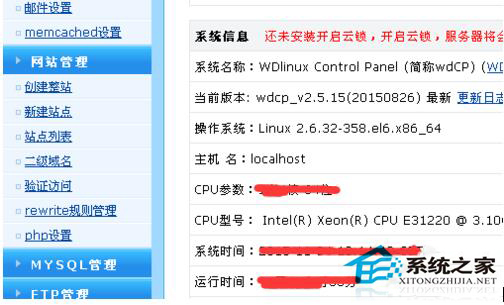
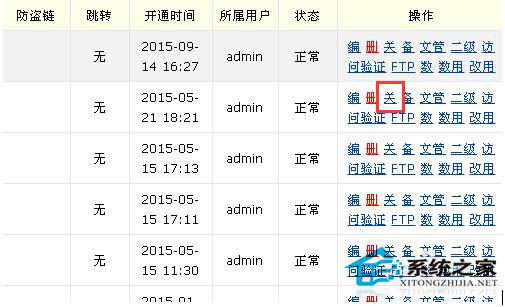
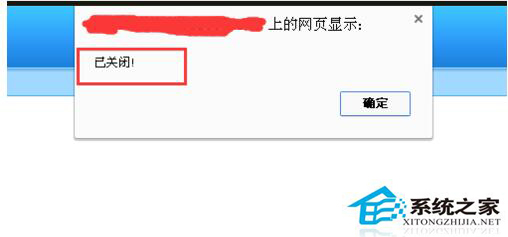
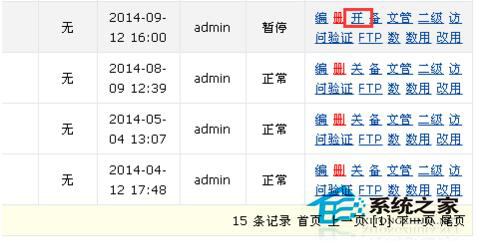
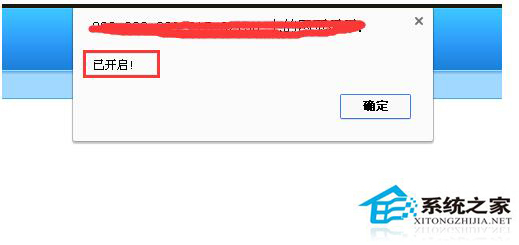
透過 WDCP 圖形化介面,即可直觀管理網站啟停狀態,無需指令操作。
telnet 指令遠端管理與埠測試:明文傳輸風險、SSH 替代、參數詳解、連線失敗排查步驟
Linux Bash Shellshock (破殼) 漏洞 (CVE-2014-6271/7169) 檢測與修補完整指南
Linux mkdir 提示「Read-only file system」三階段排查:掛載權限、檔案系統錯誤、硬體故障
Linux 終端模擬 HTTP GET/POST 請求:curl 與 wget 實戰範例
Linux 核心 Panic 排查實戰:從無法重現到 Red Hat 官方 Bug 確認 ftrace 時間戳溢位